12 templates live · updated Oct 15
Viral AI video templates with your face
Pick this week's TikTok AI trend, add one or two photos, and get your video back in about five minutes. A video uses 10 credits: $9.99 on its own, less in a pack or plan.
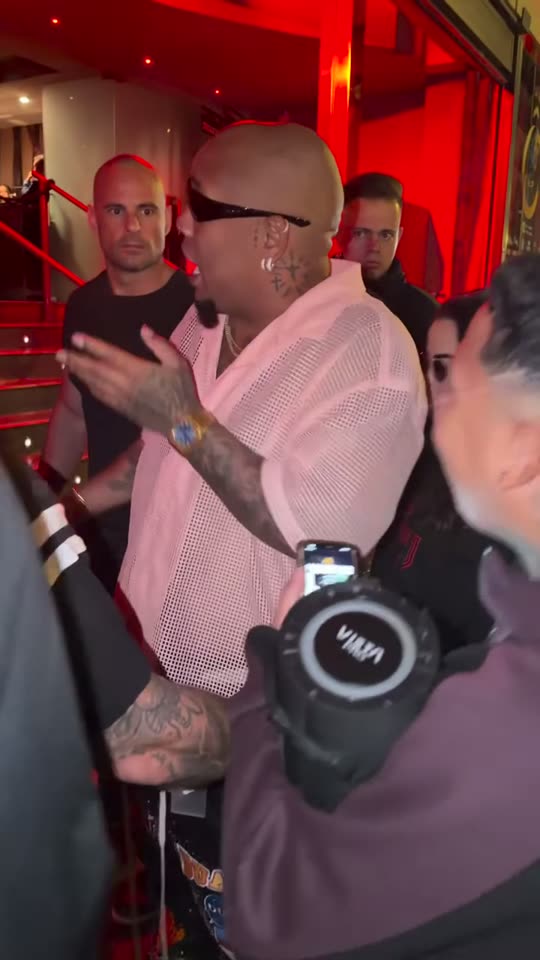 A · ORIGINALB · YOUR REMAKE
Templates
AI video templates for this week's trends
Real outputs
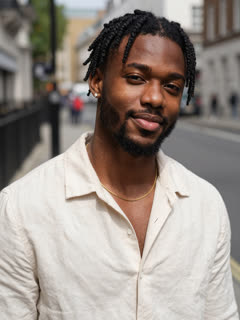
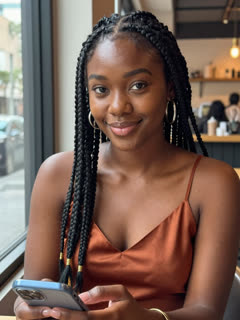
Real examples: one photo in, a viral video out

How it works
How to make an AI trend video with your face
- STEP 01
Pick a template
Each one tells you how many photos it needs, how long the clip runs and whether the original sound is kept.
00:00 - STEP 02
Add your photos
A clear face, good light and one person per photo. Sign in with Google so your clips are saved.
00:30 - STEP 03
Download and post
9:16, no watermark, ready for TikTok, Reels and Shorts. Close the tab if you like: the clip waits in My videos.
~05:00
Trend clock
TikTok AI trends this week: what's rising
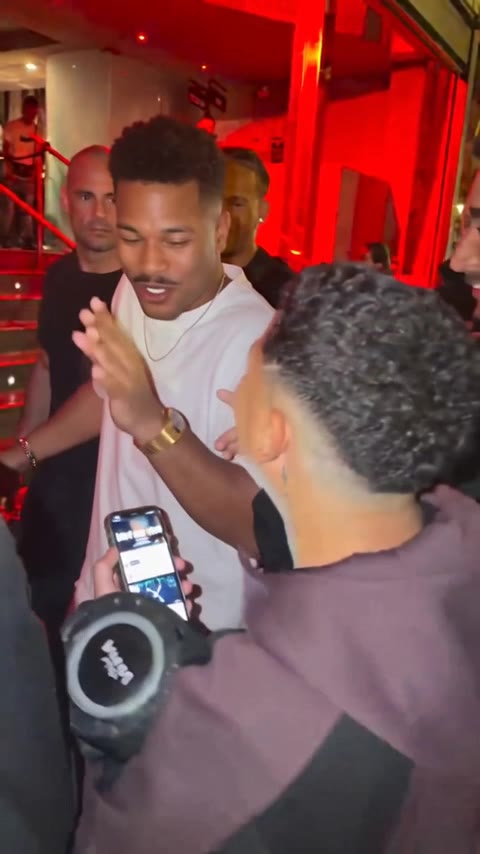 Bulin 47 AIRemake · 1 photoOct 10RisingThe street freestyle clip passed tens of millions of views in October and "Bulin 47 AI" searches are still climbing.Remake it →
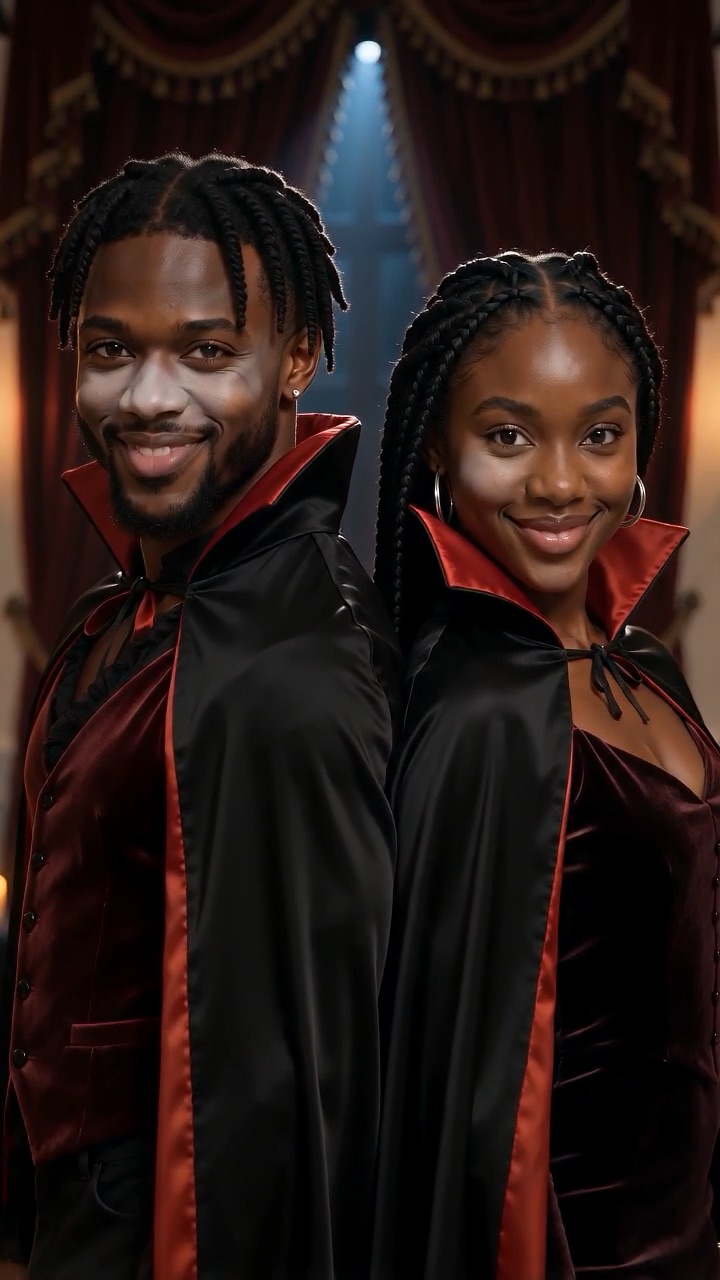 AI Halloween costumeScene · 1–2 photosSeasonalSeasonalCostume reveals climb every day until October 31.Remake it →
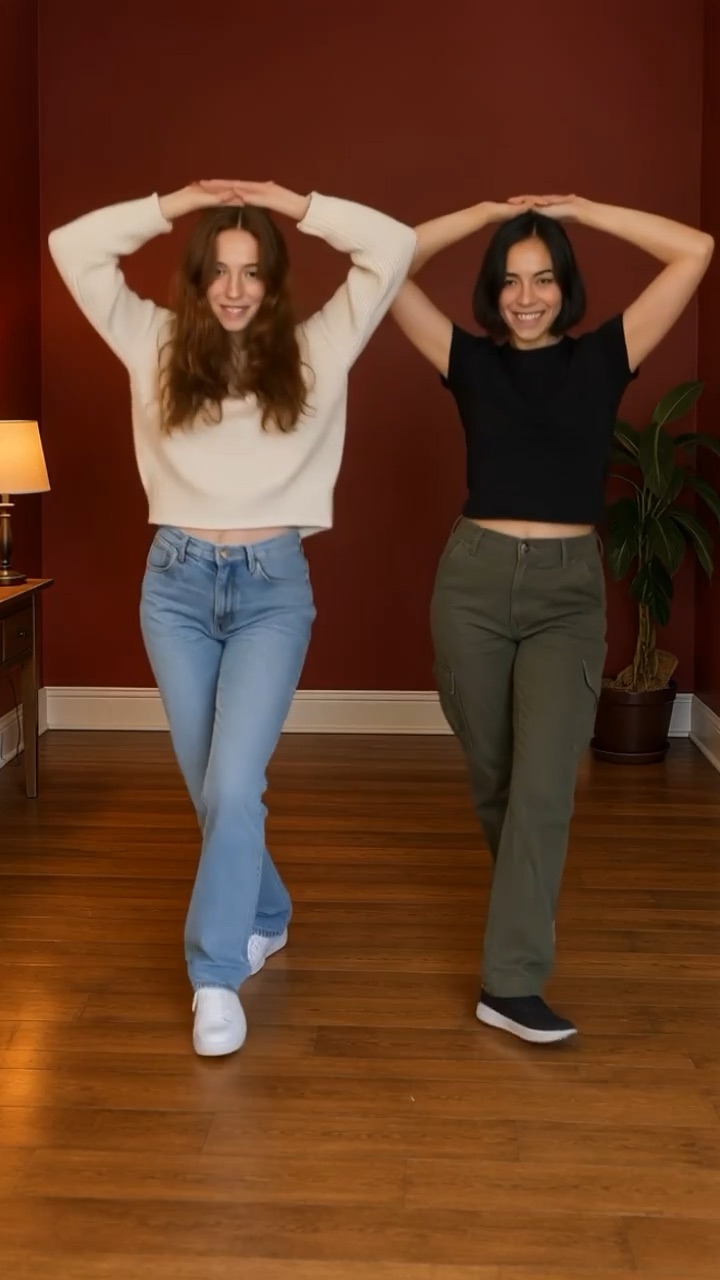 Nicole Kidman danceScene · 1–2 photosOct 10PeakingThe dance is in this month's TikTok and Reels trend lists.Remake it →
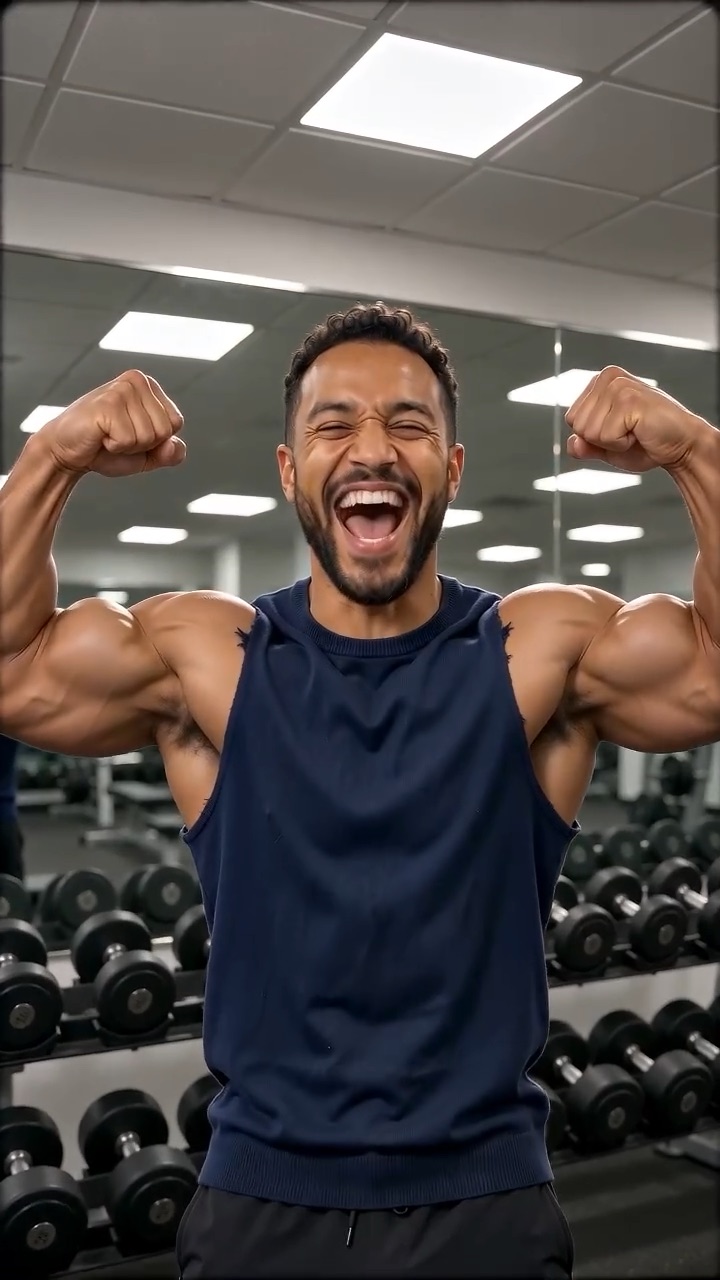 AI muscleScene · 1 photoOct 9Peaking"AI muscle" stays one of the most searched AI video effects.Remake it →
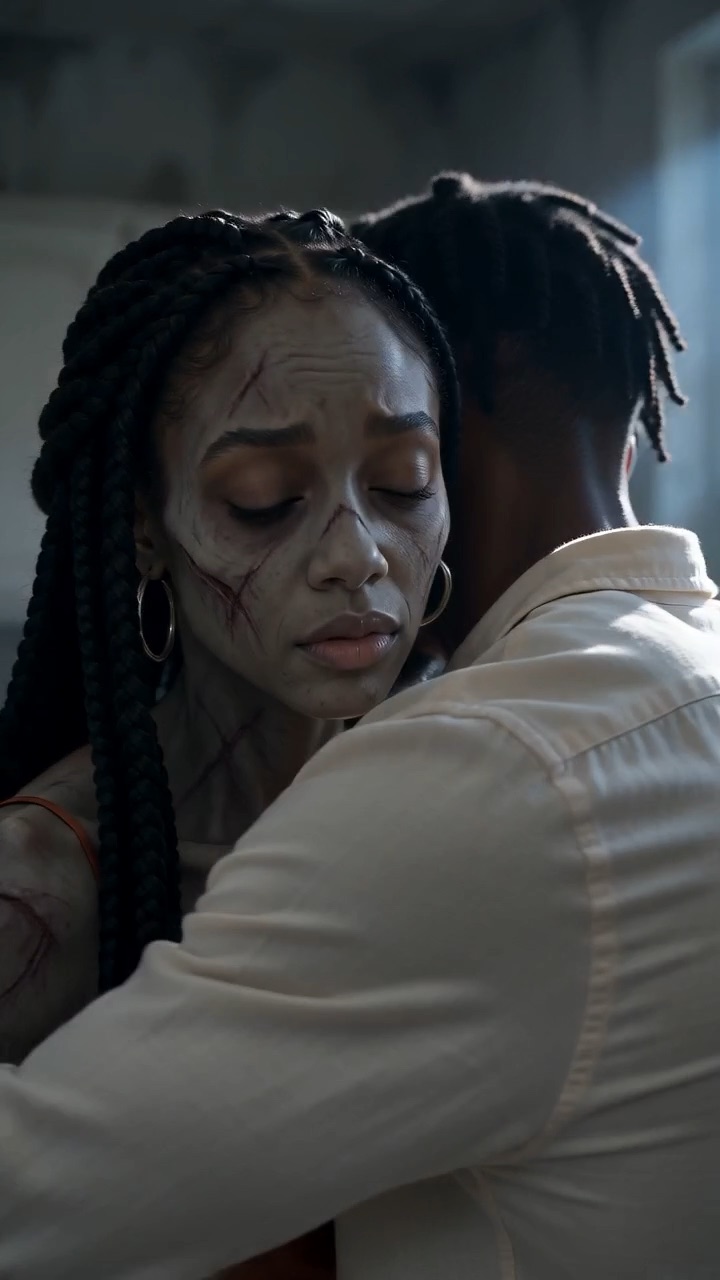 Zombie AI trendScene · 2 photosOct 5PeakingCouples, best friends and siblings are still posting it daily; growth has flattened at the top.Remake it →
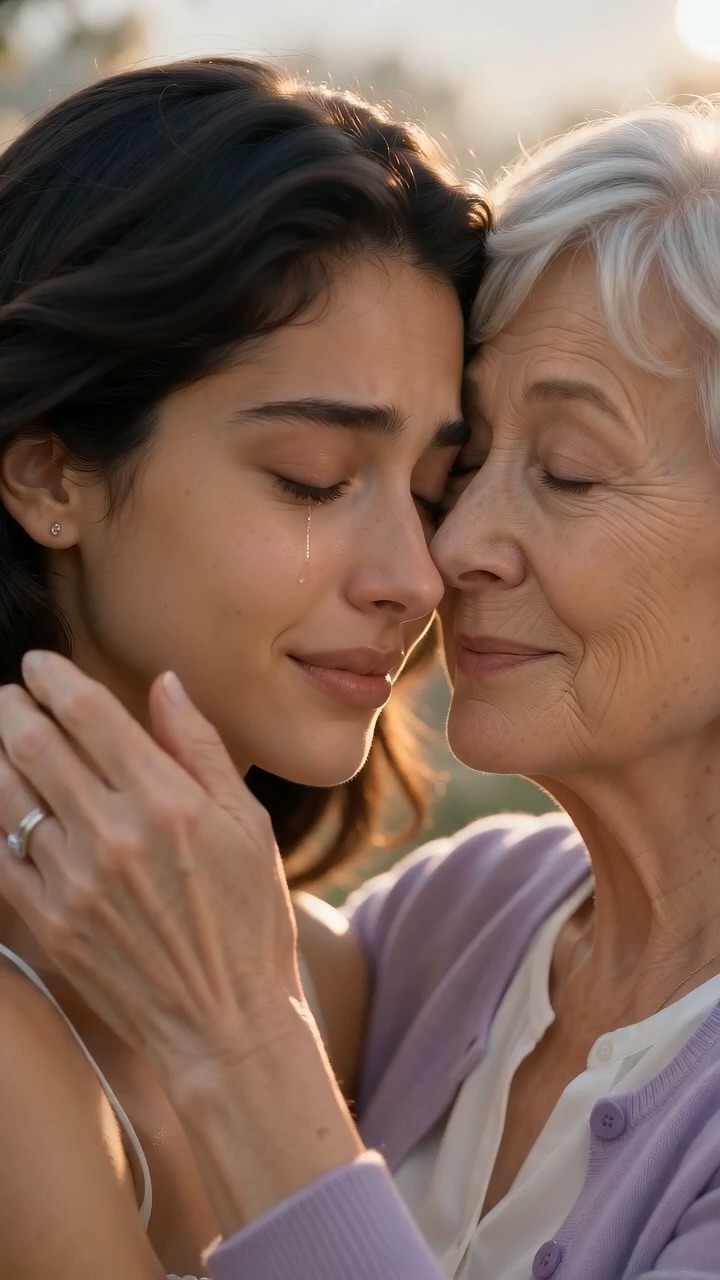 Hug in heaven AIScene · 2 photosOct 3PeakingShared steadily since early October, mostly on Facebook and Reels.Remake it →
Updated Oct 15, 2026 · Pacific time · Full trend clock
Pricing
Pricing for every AI video template
- Any template, Remake or Scene
- Cancel anytime
- Any template, Remake or Scene
- Cancel anytime
- The lowest price per video
- Cancel anytime
Or pay once
Before you upload
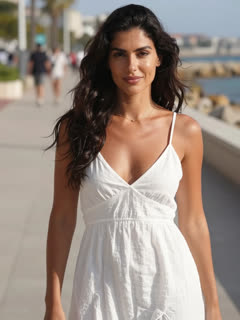
Best photos for an AI face video
✓Face the camera
Head and shoulders, eyes visible, nothing covering the face.
 ✓
✓Soft, even light
Daylight from a window works best. One person per photo.
 ✕
✕Too dark
Night shots lose the details that make the face look like you.
 ✕
✕Blurry or tiny
Skip screenshots and crops from group photos.
FAQ
AI video template FAQ
What is ClipRemake?
ClipRemake turns your photos into the viral clip everyone is posting this week. Pick a template, add one or two photos and download a 9:16 video about five minutes later.
What is the difference between Remake and Scene?
Remake puts you inside the original clip and keeps its sound, so it looks like the video people already know. Scene films a new shot in the same style, with its own music.
How much does a video cost?
Every template shows its cost in credits; today each one uses 10 credits, about one video. Credit packs: 10 credits for $9.99, 30 for $24.99, 100 for $69.99. Plans start at $29.90 a month for 100 credits (about 10 videos).
How long does it take?
Usually three to eight minutes. You can close the page; the finished clip is saved in My videos.
Is there a watermark?
No. Downloads are clean MP4 files you can post anywhere.
What happens to my photos?
They are only used to make your clip and are deleted after 30 days. They are never used to train models.
Can I use a photo of someone else?
Only of adults who have said it is fine. No children, celebrities or other public figures.
Can I ask for a trend?
Yes. Send us the clip from the contact page. Popular requests go up first.
Something blew up today?
We add new trends as they take off. Ask for the one you want to remake.