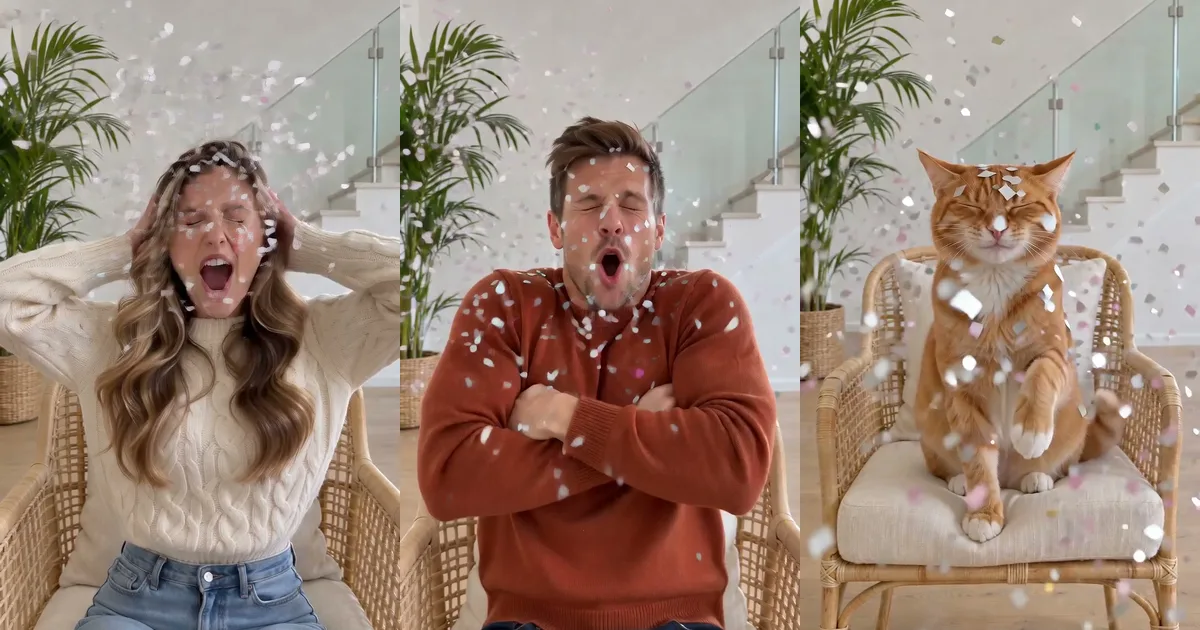
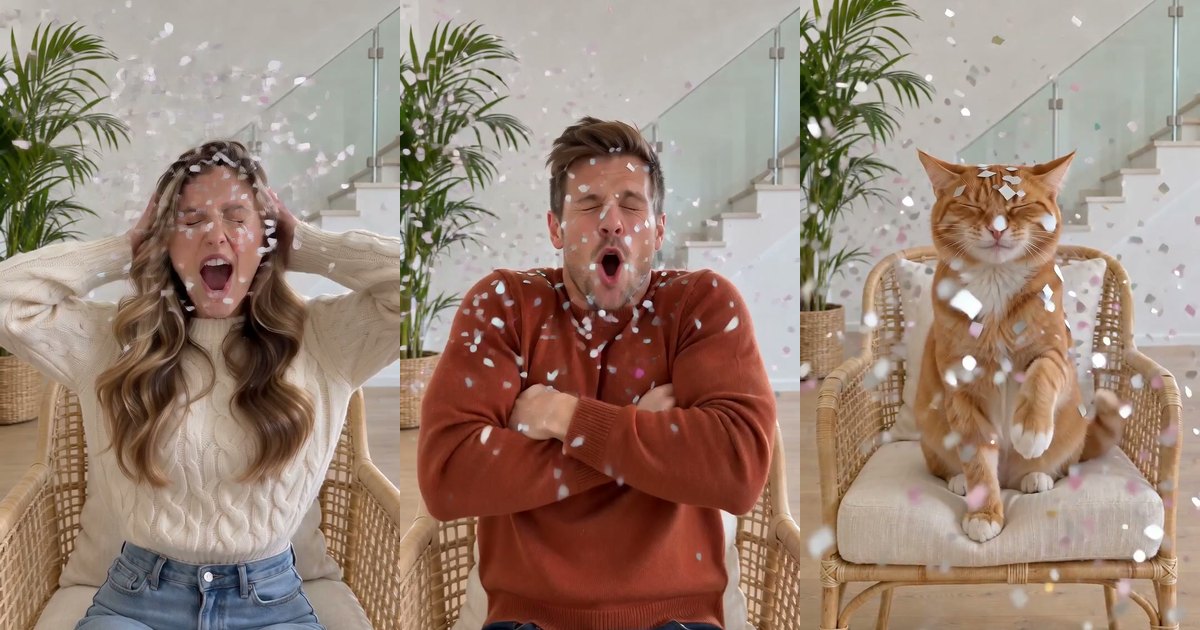
Open the Boom Clap Confetti AI template on ClipRemake, pick You sing it (one photo of you) or Your pet sings it (one photo of your dog or cat) and press Remake this. About five minutes later you download a 12-second vertical MP4 of the confetti-cannon trend: you sit in a rattan armchair in a bright living room and sing to the phone, a cannon off camera blasts silver confetti across you two seconds in, a second one rains gold at seven seconds, and you end laughing with confetti in your hair. It is one take with no cuts, the trend sound is on it (or none, if you pick No song) and there is no watermark. One video is 100 credits ($9.99); there is no free version.
What is the Boom Clap confetti trend?
It started on TikTok in mid-November 2026. Someone sits in front of a phone on a tripod and lip-syncs Charli XCX's 2014 song "Boom Clap" with big hand gestures, while a friend just off camera fires confetti cannons at them on the beat. A behind-the-scenes clip that showed the friend with the cannons went up on November 15, and the finished take on November 17 passed five million plays. Copies followed every day, from bright living rooms to dark studios, and one creator lost his wig to the blast.
The real thing needs two cannons, a friend with good timing and an hour of cleanup. This maker needs one photo. It is searched as the Boom Clap confetti trend, the confetti cannon trend and the boom clap trend.
You or your pet?
| Choice | Photo | What you get |
|---|---|---|
| You sing it (default) | One photo of you | You in the armchair, singing with the hand moves, hit by both bursts |
| Your pet sings it | One photo of your dog or cat | Your pet sits in the armchair and sings through the confetti |
Both cost the same.
How to make the Boom Clap confetti AI video, step by step
Step 1: Pick who sings
Go to the Boom Clap Confetti AI page and choose You sing it or Your pet sings it.
Step 2: Add the photo
- Face clear. A sharp photo of one adult, face to the camera, head and shoulders or more, no sunglasses.
- Your own clothes. You sing in what you wear in the photo, so a bright top looks great under the confetti.
- For a pet: head and body in view, eyes open, in daylight. It keeps its own face and fur.
Step 3: Choose the sound and press Remake this
Trend sound puts the song the posts use under your video; No song gives a silent clip to post with a sound from TikTok's library. If you are not signed in, you sign in with Google first. Without credits, you get the Starter pack (100 credits, $9.99), paid by card, Apple Pay or Google Pay. If a render fails, the credits come back on their own.
Step 4: Download and post
About five minutes later the video waits in My videos. Download the MP4 (720p, 9:16, no watermark), add your caption and turn on the AI-generated label when you post.
What your video looks like
| Time | What happens |
|---|---|
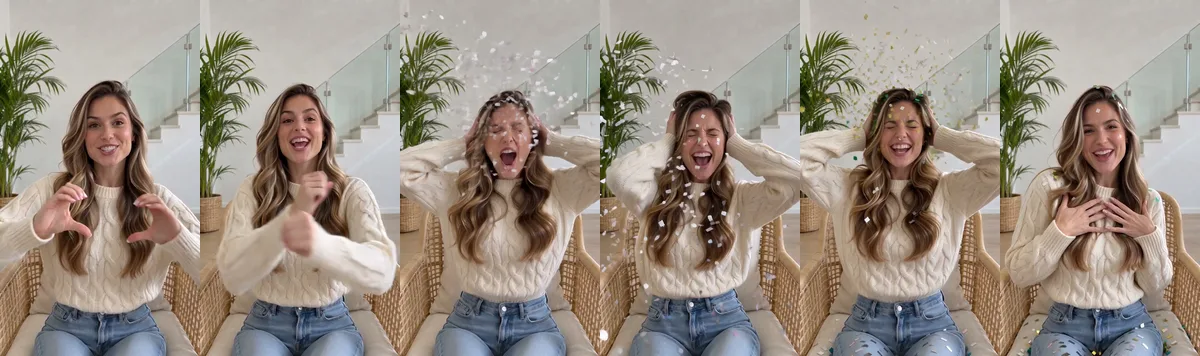
| 0:00–0:02 | You sing to the lens from the armchair: a finger wag, a heart with both hands, arms crossed |
| 0:02–0:03 | The first cannon: silver confetti blasts across you, your hair flies and you grab your head |
| 0:03–0:07 | You keep singing with a grin and point at the camera with both hands |
| 0:07–0:09 | The second cannon: gold confetti pours down from above |
| 0:09–0:12 | Thumbs up, palms open, laughing, with confetti in your hair to the end |
Small moments can change from one render to the next, such as how thick each burst is and where the pieces land.
How to post it like the trend
- The caption: "boom clap 🎉" or "my friend had one job".
- Tag it: #boomclap #confetti.
- The sound: keep Trend sound on, or pick No song and add the sound inside TikTok.
- Label it as AI when you post.