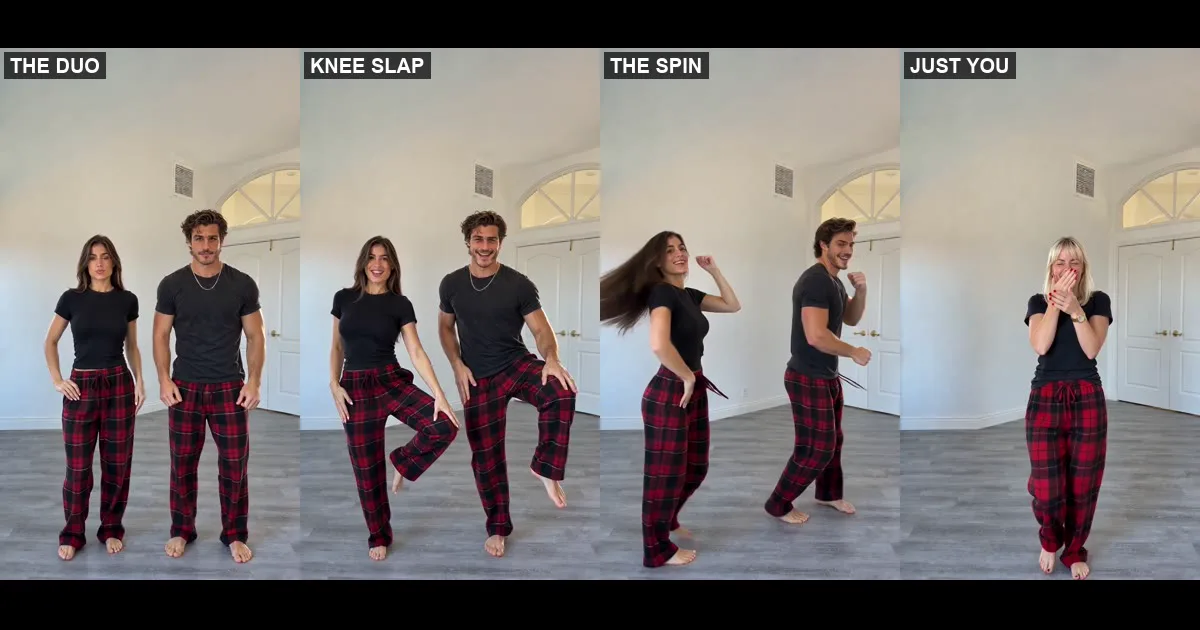
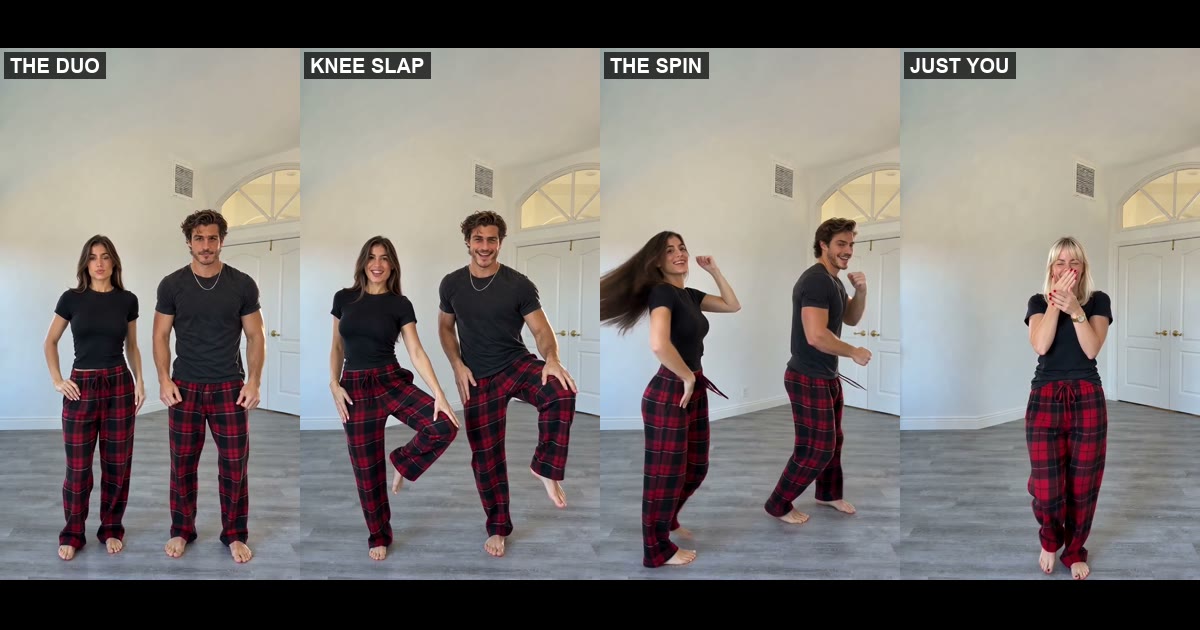
Open the Christmas Dance AI template on ClipRemake, pick You + a friend (two photos) or Just you (one photo) and press Remake this. About five minutes later you download a 15-second vertical MP4 of the TikTok Christmas dance: matching black tees and red plaid pajama pants, a bright empty room, a high five, then the whole deadpan Deck the Halls routine, hip sways, knee slaps, hands over the mouth, a spin and the giggle at the end. The song is on it and there is no watermark. One video is 100 credits ($9.99); there is no free version.
What is the Christmas Dance AI trend?
Every November TikTok fills up with Christmas dances, and in 2026 one of them was a joke about exactly that: on November 2 a creator posted a stiff, very committed duo routine to a Deck the Halls remix, captioned "should we make a dance??". Then everyone actually did it. A trio version followed the next day, mothers and daughters did it in Christmas pajamas, and on November 7 a couple in black tees and matching red plaid pajama pants posted the version that became the most played.
The look is part of the joke: matching pajamas, a plain room, straight faces, and a routine that is just a little too rehearsed.
You + a friend or Just you?
| Choice | Photos | What you get |
|---|---|---|
| You + a friend (default) | Two | The duo everyone posts: photo 1 on the left, photo 2 on the right, the high five and the routine side by side |
| Just you | One | The same 15-second routine, with you alone in the middle of the room |
Both cost the same, and both dancers get the matching pajamas.
How to make the Christmas Dance AI video, step by step
Step 1: Pick who dances
Go to the Christmas Dance AI page and choose You + a friend or Just you.
Step 2: Add the photos
- Head to toe if you can. It is a full-body dance, so a head-to-toe photo gives the best match for height and build. A sharp waist-up photo works too.
- Face clear. Front-facing, good light, no sunglasses or heavy filters.
- Any clothes. You do not need pajamas in the photo: everyone gets the black tee and red plaid pajama pants.
- Who goes where. Photo 1 dances on the left, photo 2 on the right. The two photos do not have to be taken together.
Step 3: Choose the sound and press Remake this
Leave Trend sound on to keep the Deck the Halls remix, or pick No song for a silent MP4. Press Remake this; if you are not signed in, you sign in with Google first. Without credits, you get the Starter pack (100 credits, $9.99), paid by card, Apple Pay or Google Pay. If a render fails, the credits come back on their own.
Step 4: Download and post
About five minutes later the video waits in My videos. Download the MP4 (720p, 9:16, no watermark), add your caption and turn on the AI-generated label when you post.
What your video looks like
| Time | What happens |
|---|---|
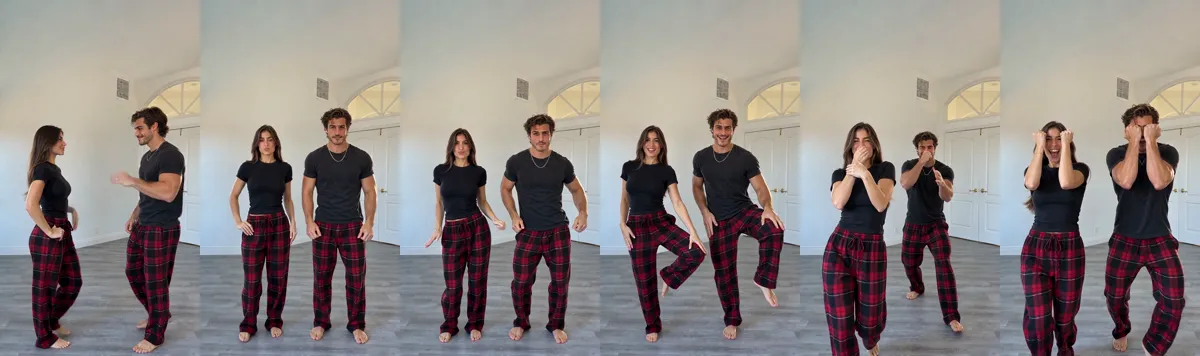
| 0:00–0:01 | You come in from the sides, turn and high-five, then face the camera |
| 0:01–0:05 | Side by side, hands on the hips, small hip sways and shoulder bounces |
| 0:05–0:07 | Arms out low to the sides, swaying |
| 0:07–0:09 | High knee lifts with a slap on the knee |
| 0:09–0:12 | Hands over the mouth, giggling, then rolling arms and raised fists |
| 0:12–0:15 | A quick spin, then hands up to the face, peeking and laughing |
In Just you, the same moves play with you alone in the middle of the room. Small moments can change from one render to the next.
How to post it like the trend
- The caption: "how Christmas dances are looking this year" or "should we make a dance??".
- Tag the person you would actually do it with: your best friend, your sister, your mum.
- Keep the song: the trend is the Deck the Halls remix, so leave Trend sound on.
- Label it as AI when you post.