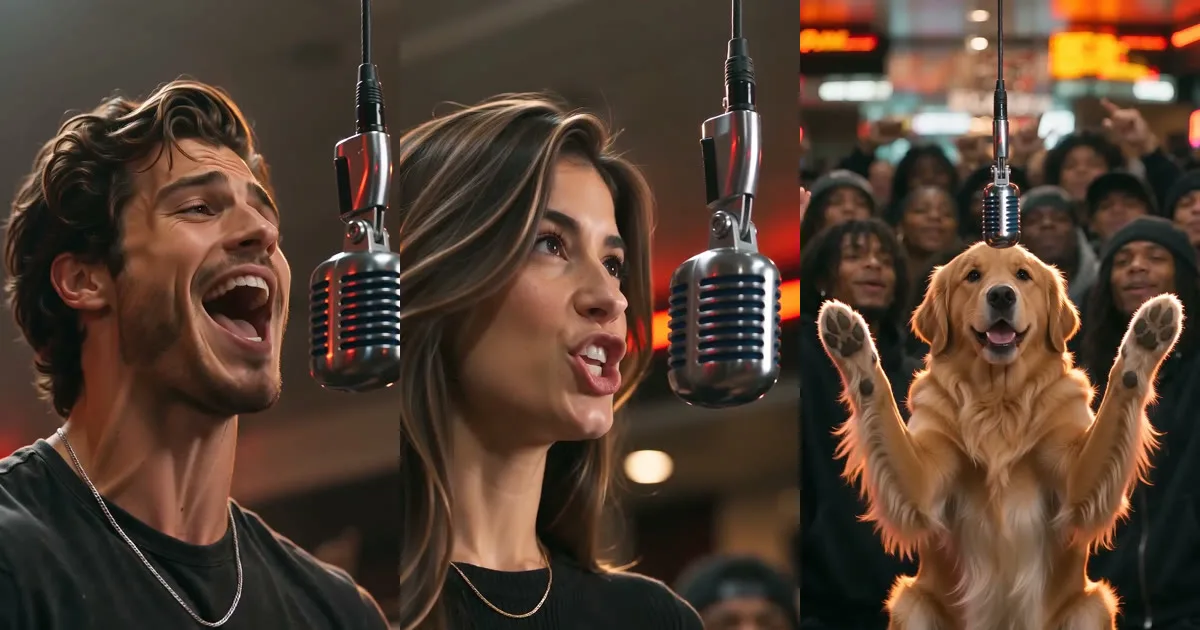
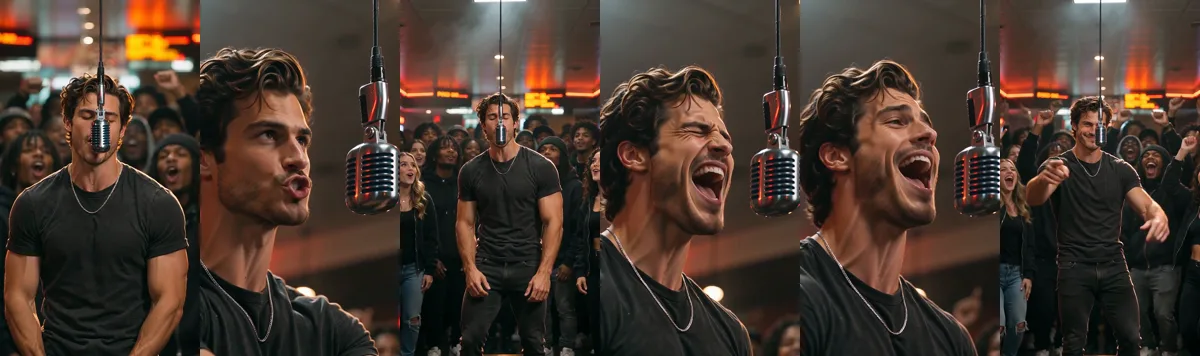
Open the Give It All AI template on ClipRemake, pick You rap it (a photo of you) or Your pet raps it (a photo of your dog or cat) and press Remake this. About five minutes later you download a 15-second vertical MP4 of the BigXthaPlug hanging-mic trend: a vintage chrome mic hanging in a packed, orange-lit cinema lobby, the crowd pressed in behind, and you rapping the hook "give it all to me" across five shots, ending on a point at the camera. The hook of the song is on it and there is no watermark. One video is 100 credits ($9.99); there is no free version.
What is the Give It All AI trend?
"Give It All" is a song by the Texas rapper BigXthaPlug from his October 2026 album Better Over Time. On November 3 a From The Block performance of it went up: the rapper at a microphone hanging from the ceiling of a packed Dallas cinema lobby, the crowd so close it is almost on his shoulders, hands in the air for the hook. It passed a million views in two weeks.
From November 7, AI versions started showing up on TikTok: the same hanging mic, the same lobby, the same cuts, but with someone else rapping "give it all to me". Some people put themselves at the mic, some their friends, some their dog. It is searched as Give It All AI, the BigXthaPlug AI trend, the hanging mic AI trend and Give It All To Me AI.
You or your pet?
| Choice | Photo | What you get |
|---|---|---|
| You rap it (default) | One photo of you | You at the hanging mic in your own clothes, rapping the hook through all five shots |
| Your pet raps it | One photo of your dog or cat | Your pet sits up at the mic and raps it with its own paws, the crowd going wild |
Both cost the same.
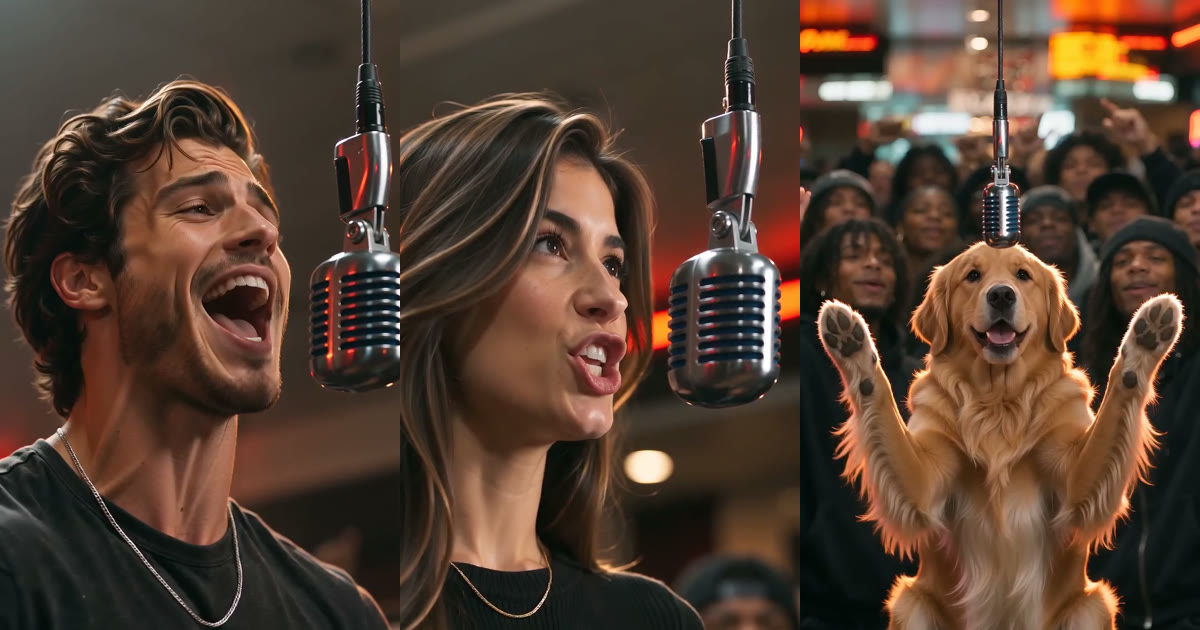
How to make the Give It All AI video, step by step
Step 1: Pick who raps
Go to the Give It All AI page and choose You rap it or Your pet raps it.
Step 2: Add the photo
- Waist up or more. The first and last shots show you from the chest or knees up, so a waist-up or full-length photo gives the best match.
- Face clear. Front-facing, good light, no sunglasses or heavy filters: the side close-ups get very close.
- Your clothes stay. You rap in what you wear in the photo. Nobody gets the original denim jacket or chain.
- For a pet: the whole head sharp and facing the camera; a sitting pet works best.
Step 3: Choose the sound and press Remake this
Leave Trend sound on to keep the hook of the performance, or pick No song for a silent MP4. Press Remake this; if you are not signed in, you sign in with Google first. Without credits, you get the Starter pack (100 credits, $9.99), paid by card, Apple Pay or Google Pay. If a render fails, the credits come back on their own.
Step 4: Download and post
About five minutes later the video waits in My videos. Download the MP4 (720p, 9:16, no watermark), add your caption and turn on the AI-generated label when you post.
What your video looks like
| Time | What happens |
|---|---|
| 0:00–0:05 | Front shot at chest height, the mic right in front of your mouth, the crowd packed behind you |
| 0:05–0:08 | Low close-up from the side, you on the left, the chrome mic on the right |
| 0:08–0:10 | A wider shot: you at the mic in the middle of the crowd, the lobby lights above |
| 0:10–0:12 | The side close-up again, head back, rapping hard |
| 0:12–0:15 | The front shot again, hands up on the beat, ending with a point at the camera |
With Your pet raps it, the same shots play with your pet at the mic. Small moments can change from one render to the next.
How to post it like the trend
- The caption: "give it all to me" or "me at From The Block".
- Tag the friend who would actually do it, or post your dog's version and let the comments do the rest.
- Keep the sound: the trend is the hook of "Give It All", so leave Trend sound on, or add the sound inside TikTok.
- Label it as AI when you post.