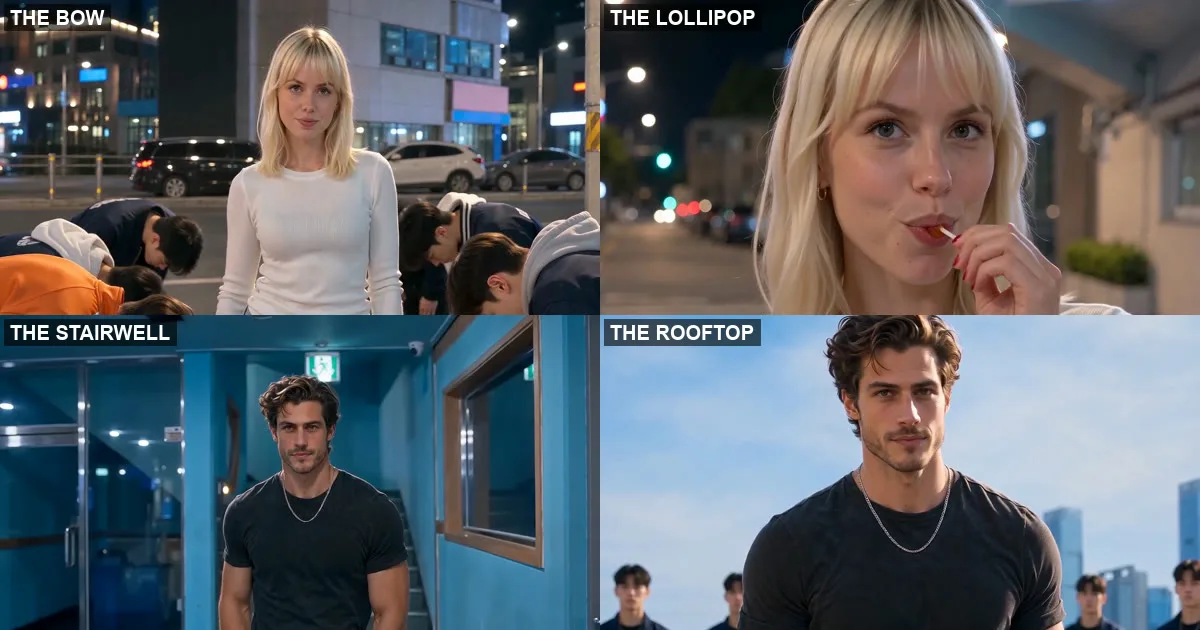
Open the King Jin AI template on ClipRemake, add one photo of yourself and press Remake this. About five minutes later you download a 10-second MP4 of the King Jin trend: you stand calm in the middle of a neon Korean street at night while a crowd of young men bow down to you, pull a lollipop from your mouth with a smirk, walk a teal stairwell with your hands in your pockets and stare down the camera from a rooftop above the city. It is 4:3 like the CapCut template, the hardtekk track is on it, there is no watermark and you wear your own clothes. One video is 100 credits ($9.99); there is no free version, and you do not need CapCut.
What is the King Jin AI trend?
King Jin AI is a TikTok trend that took off around November 12, 2026, from a CapCut AI template. You give it a selfie and it turns you into the untouchable boss of a Korean night street, in four quick shots that feel like a school-gang drama:
- You stand perfectly still in the middle of a neon-lit street while a crowd of young men bow deeply around you, some almost to the ground.
- A close-up: you take a lollipop out of your mouth and smirk.
- You walk down a teal-lit stairwell corridor, hands in your pockets.
- You look into the camera from a rooftop, the city skyline and your crew behind you.
People post it as "King Jin powerful incoming" over the hardtekk track "KIAT JUD DAY HARDTEKK" by hardangel. CapCut tutorials for the template drew millions of plays within days, and template sites added it soon after.
How is this different from the CapCut template?
You do not need the CapCut app or the template link. The maker re-films the same four shots in the browser around your photo: the places, the moves and the timing stay the same, and you keep your own face, hair and clothes in every shot. The bowing crowd and the crew on the roof are made up by the AI, and no frame of the template is in your video.
How to make the King Jin AI video, step by step
Step 1: Add your photo
Go to the King Jin AI page and tap the photo box.
- Face clear. The lollipop close-up fills the frame with your face. Use a sharp, well-lit photo, face to the camera, no sunglasses or heavy filters.
- Waist up or full body. You are seen full length on the street and in the stairwell, so a photo that shows your outfit helps.
- Dress the part. You wear the clothes from your photo. A dark jacket or an all-black outfit fits the boss look, but anything works.
Step 2: Choose the sound
Leave Trend sound on to keep the hardtekk track, or pick No song for a silent MP4 to score in TikTok.
Step 3: Press Remake this
If you are not signed in, you sign in with Google first. Without credits, you get the Starter pack (100 credits, $9.99), paid by card, Apple Pay or Google Pay. If a render fails, the credits come back on their own.
Step 4: Download and post
About five minutes later the video waits in My videos. Download the MP4 (720p, 4:3, no watermark), add your caption and turn on the AI-generated label when you post.
What your video looks like

| Time | Shot |
|---|---|
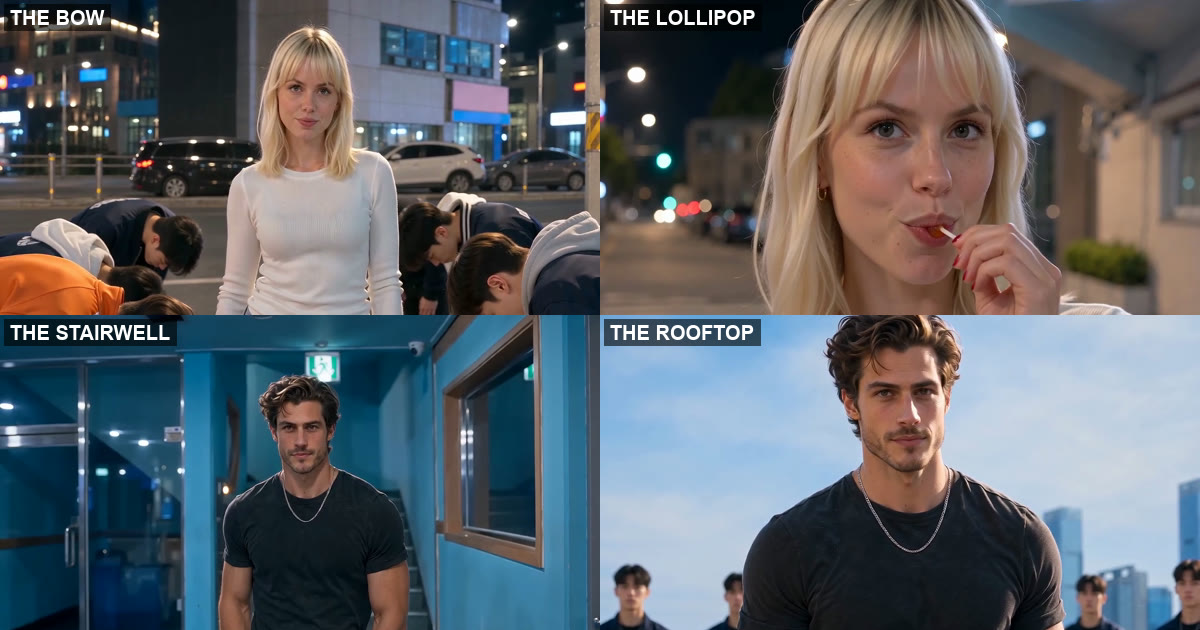
| 0:00–0:03 | The neon street at night: you stand still while the crowd bows around you |
| 0:03–0:06 | Close-up: you take the lollipop out of your mouth and smirk |
| 0:06–0:08 | The teal stairwell: you walk toward the camera, hands in your pockets |
| 0:08–0:10 | The rooftop: you look into the camera, the skyline and your crew behind you |
Small moments can change from one render to the next.
How to post it like the trend
- The caption: "King Jin powerful incoming" is the one everyone uses.
- Or make it yours: "me walking into class on Monday" or "when the group chat finally listens to me".
- Tag a friend who acts like the boss of the group, or make one of them.
- Label it as AI when you post.