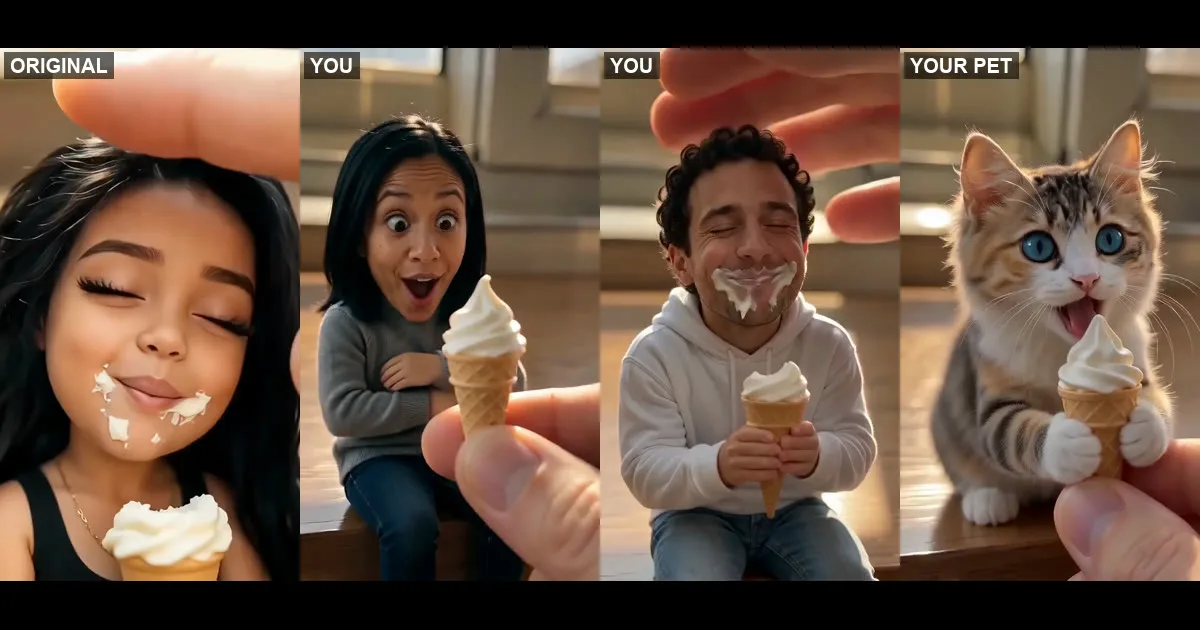
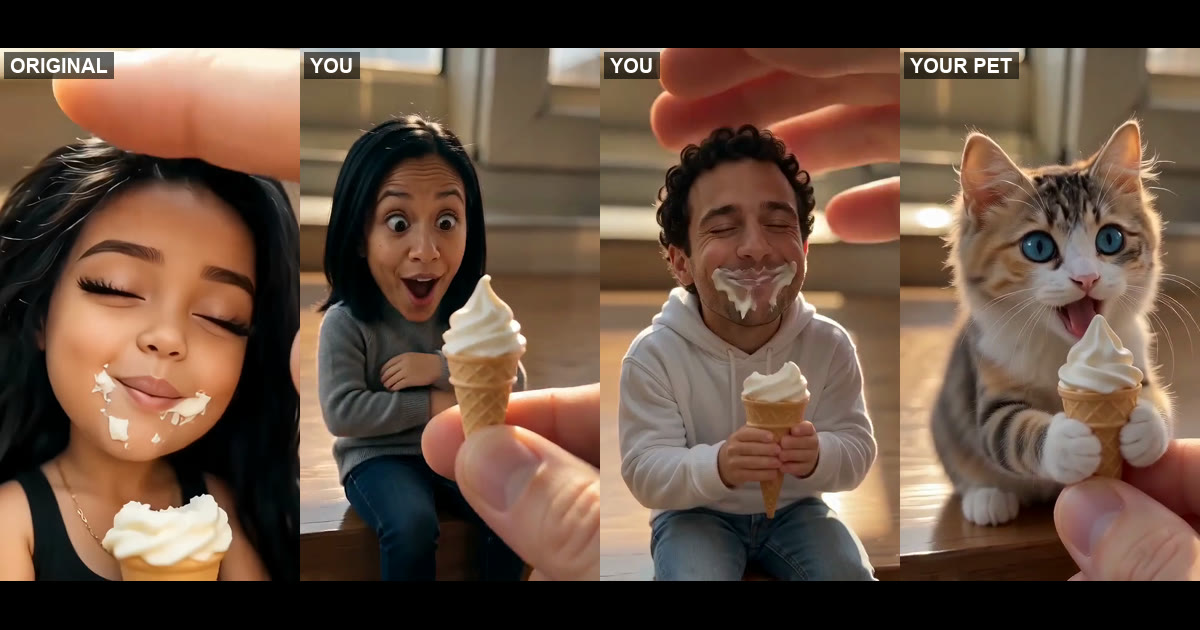
Open the Mini Me AI template on ClipRemake, pick You or Your pet, add one photo and press Remake this. About five minutes later you download a 7-second vertical MP4 of the "Mini version of me" trend: a doll-size you (or your cat or dog) sits on a sunny window ledge, gets poked on the cheek, pouts, gasps at the ice cream a giant hand brings, eats it with cream all over the face, gets a pat on the head and toddles off. It comes with its own soft music-box sound and no watermark. One video is 100 credits ($9.99); there is no free version, and you do not need CapCut.
What is the Mini Me AI trend?
The mini me trend runs on a CapCut AI template captioned "Mini version of me unlocked. When you meet your tiny self". It turns a photo into a tiny version of you with a slightly big head, fussed over by a hand bigger than your whole body. The ice cream version, posted by @po94275 on August 9, 2026, is the one that stuck: the poke, the pout, the cone, the cream on the face, the head pat and the little walk away. Copies kept coming through the fall, and a second wave with French captions started in late October.
People search for it as Mini Me AI, mini version of me and tiny me. The joke is the size, which is why people make one of themselves, one of their partner, and one of their pet.
You or your pet?
| Choice | Photo | What you get |
|---|---|---|
| You (default) | One adult, face to the camera | A doll-size you with your own face, hair and clothes |
| Your pet | One cat or dog, face and fur in view | A toy-size pet holding the cone in its own paws and licking it |
Both are the same 7-second clip at the same price.
How to make the Mini Me AI video, step by step
Step 1: Pick who goes tiny
Go to the Mini Me AI page and choose You or Your pet.
Step 2: Add one photo
- People: a clear, front face. One adult, face to the camera, no sunglasses or heavy filters. The close-up while you eat shows your face large.
- Show your clothes. The tiny you wears what you wear in the photo, so a waist-up or full-length photo shows the outfit.
- Pets: face and fur in view. A sharp photo of one cat or dog facing the camera, eyes and markings clear.
Step 3: Press Remake this
If you are not signed in, you sign in with Google first. Without credits, you get the Starter pack (100 credits, $9.99), paid by card, Apple Pay or Google Pay. If a render fails, the credits come back on their own.
Step 4: Download and post
About five minutes later the video waits in My videos. Download the MP4 (9:16, with sound, no watermark), add your caption and turn on the AI-generated label when you post.
What your video looks like
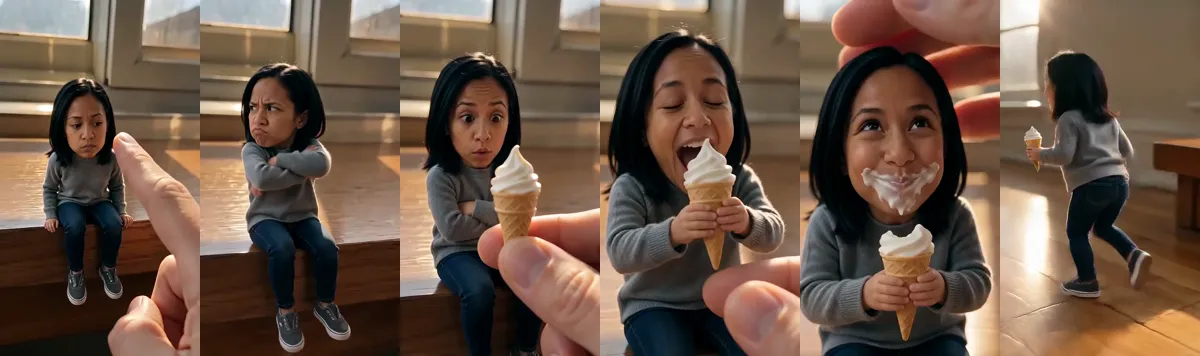
The ledge, the giant hand and the timing stay the same; only the tiny one changes:
| Time | What happens |
|---|---|
| 0:00–0:01 | The tiny you sits on the window ledge; a giant finger pokes your cheek |
| 0:01–0:02 | You cross your arms and pout |
| 0:02–0:03 | A giant hand brings a soft-serve cone; you gasp |
| 0:03–0:05 | You take it in both hands and eat, cream all over your face |
| 0:05–0:06 | A giant hand pats your head; you grin |
| 0:06–0:07 | You hop down and toddle off across the floor with the cone |
Small moments can change from one render to the next.
How to post it like the trend
- The caption: "Mini version of me unlocked" is the original one.
- Make a pair: one of you, one of your partner or best friend, posted back to back.
- Pet version: "my cat but tiny" works every time.
- Label it as AI when you post.