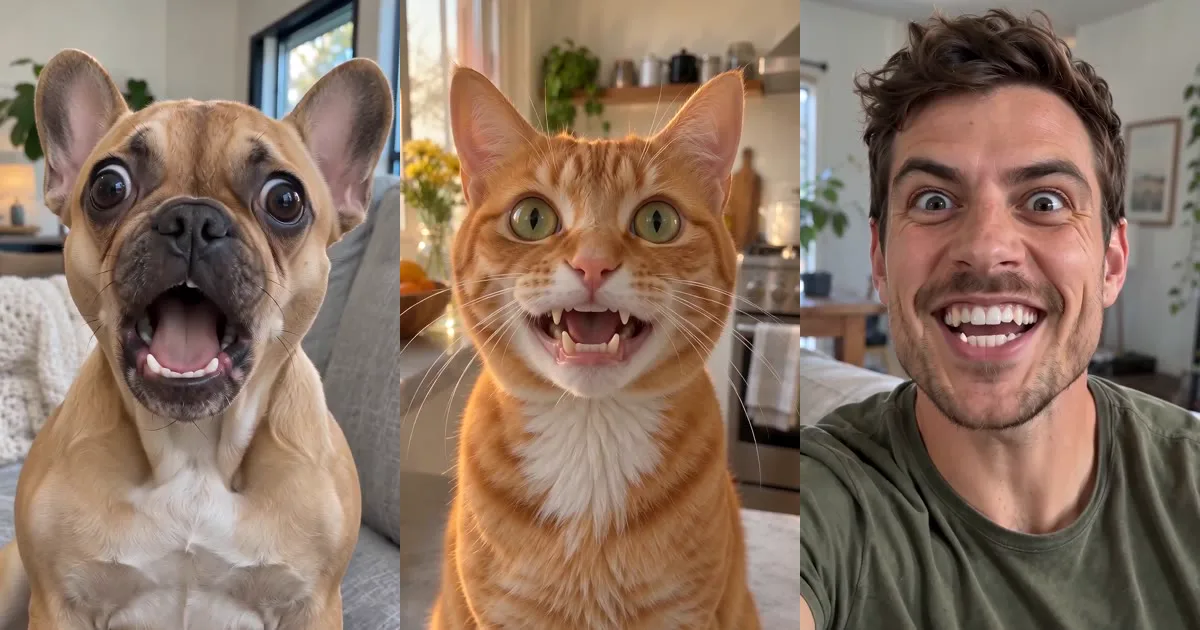
Open the Oh My Carne Asada AI template on ClipRemake, pick Your pet sings it (a photo of your dog or cat) or You sing it (a photo of you) and press Remake this. About five minutes later you download a 13-second vertical MP4 of the singing dog meme: head thrown back for the long howl, then a dead-serious stare into the camera with huge bulging eyes for "oh my carne asada... one love", ending on the sly grin. It happens in the room from your photo, not on a green screen, with the meme sound and no watermark. One video is 100 credits ($9.99); there is no free version.
What is the oh my carne asada trend?
On November 12, 2026 a TikTok creator posted a little brown dog cut out on a green screen, captioned "oh my carne asada". The dog howls with its head back for almost five seconds, snaps its head down, stares into the lens with bulging eyes and seems to sing a line, then squeezes its eyes shut, sings once more and finishes with a sideways grin.
Nobody is singing about carne asada. The sound is a line from a Mandarin song that English ears hear as "oh my carne asada... one love". The clip spread fast, and people began dropping the same dog onto grill photos and couches with captions like "what is this dog saying". It is searched as oh my carne asada AI, the carne asada singing dog and the one love chihuahua.
Your pet or you?
| Choice | Photo | What you get |
|---|---|---|
| Your pet sings it (default) | One photo of your dog or cat | Your pet does every beat of the meme in the room from your photo, with its own face and ears |
| You sing it | One photo of you | You belt the long note, sing the line with bulging eyes and end on the grin |
Both cost the same.
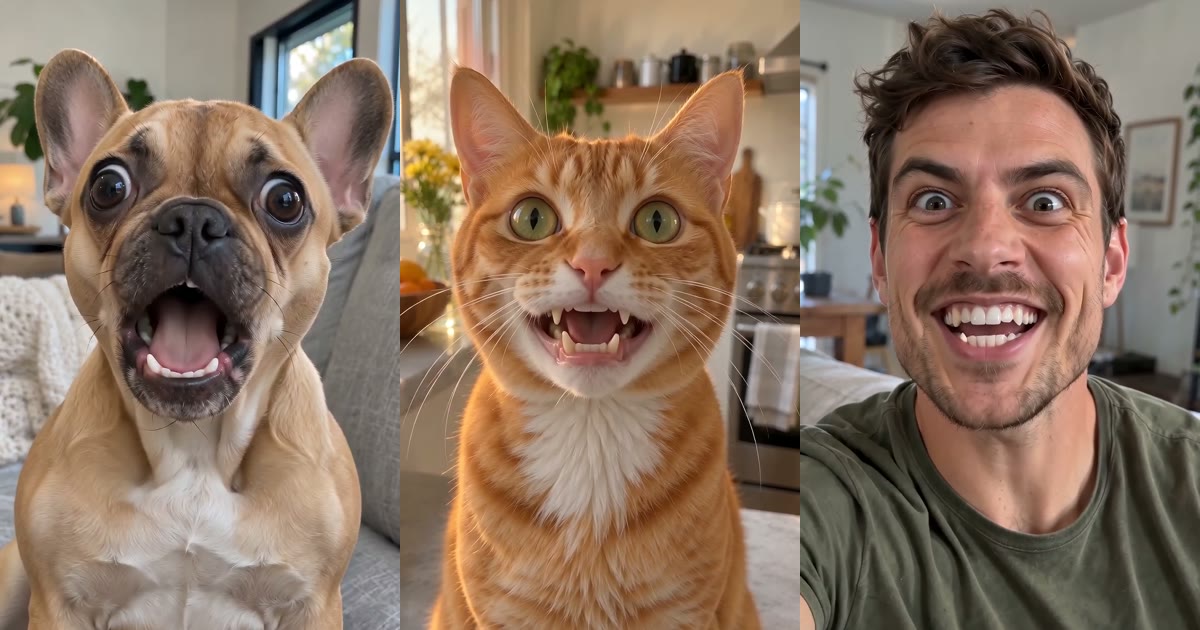
How to make the oh my carne asada AI video, step by step
Step 1: Pick who sings
Go to the Oh My Carne Asada AI page and choose Your pet sings it or You sing it.
Step 2: Add the photo
- Head and chest in view. The meme is a close shot, so a photo with the head and chest facing the camera matches best.
- Eyes open and sharp. The bulging-eye stare is the punchline.
- A tidy background. The room in your photo stays behind your pet: a sofa, a bed or a kitchen counter without clutter looks cleanest.
- One animal or one person per photo.
Step 3: Choose the sound and press Remake this
Leave Trend sound on to keep the meme sound, or pick No song for a silent MP4. Press Remake this; if you are not signed in, you sign in with Google first. Without credits, you get the Starter pack (100 credits, $9.99), paid by card, Apple Pay or Google Pay. If a render fails, the credits come back on their own.
Step 4: Download and post
About five minutes later the video waits in My videos. Download the MP4 (720p, 9:16, no watermark), add your caption and turn on the AI-generated label when you post.
What your video looks like
| Time | What happens |
|---|---|
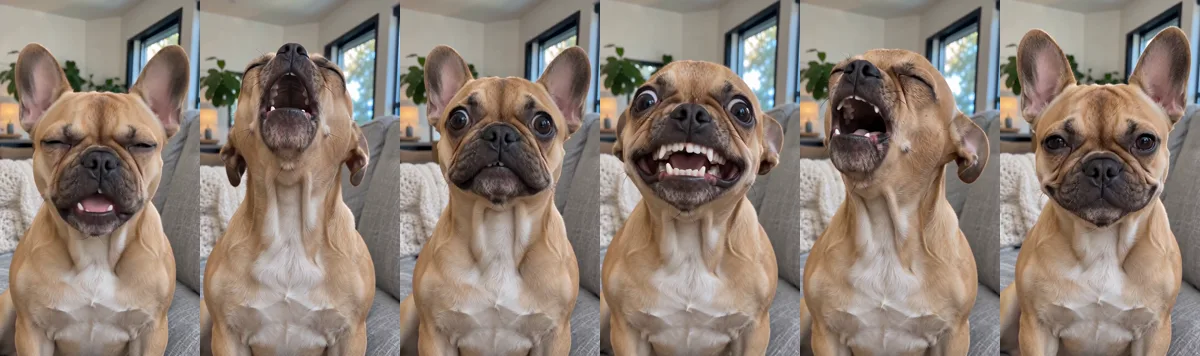
| 0:00 | A squint and a small grin at the camera |
| 0:01–0:05 | Head thrown back, eyes shut, one long howl |
| 0:05–0:09 | Head snaps down, eyes pop wide, and it sings "oh my carne asada" straight into the lens |
| 0:09–0:11 | Eyes squeezed shut in a toothy grin, then head tipped up for "one love" |
| 0:11–0:13 | A sideways look and the sly, lopsided grin |
Small moments can change from one render to the next.
How to post it like the trend
- The caption: "what is my dog saying" or "oh my carne asada 😂".
- Ask the comments what they hear: that is how the original spread.
- Keep the sound: leave Trend sound on, or add the sound inside TikTok.
- Label it as AI when you post.