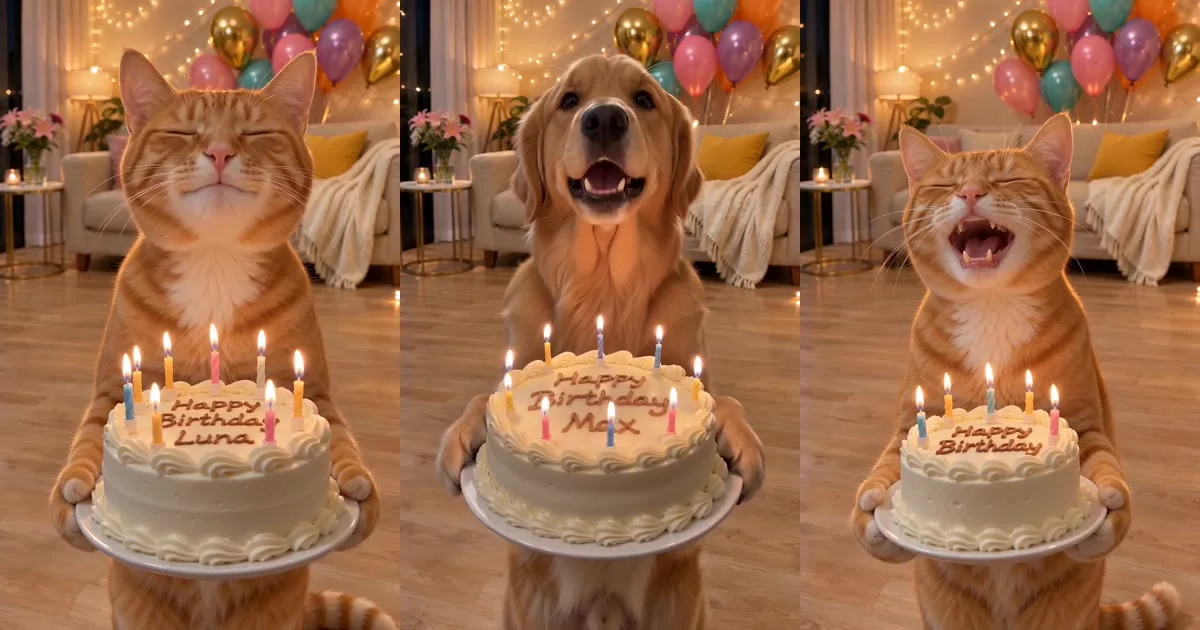
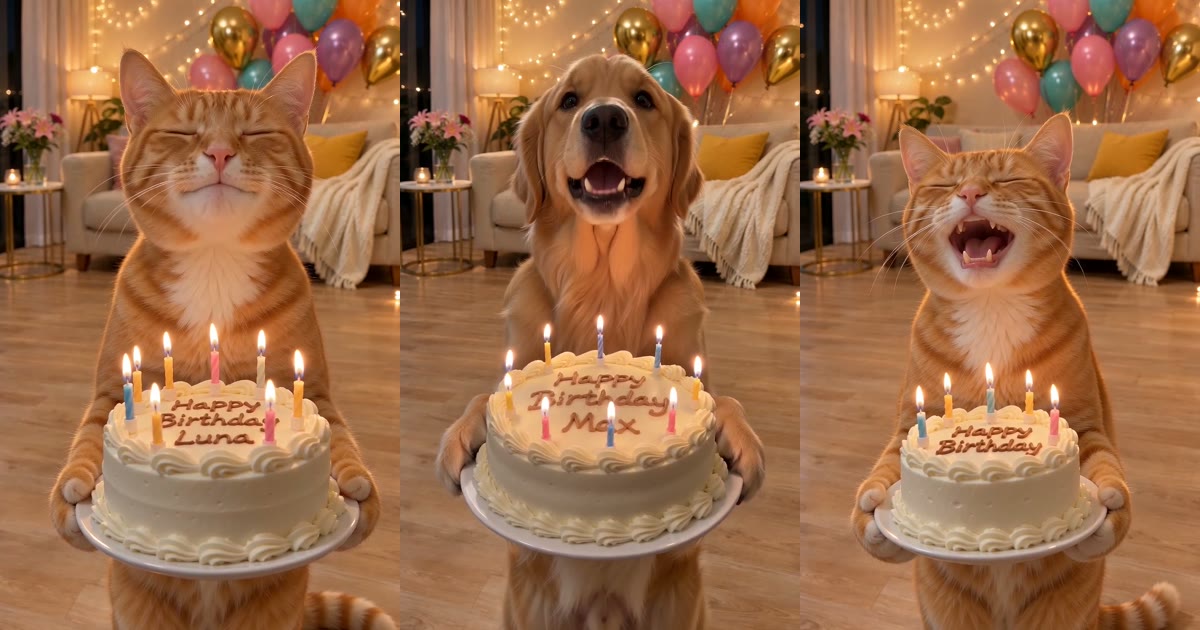
Open the Singing Birthday Cat AI template on ClipRemake, add one photo of your cat or dog, type a name for the cake if you want one and press Remake this. About five minutes later you download a 15-second vertical MP4 of the birthday trend: your pet stands up on its hind legs in a living room full of balloons and fairy lights, holds a white cream cake with lit candles in both paws and sings the whole Happy Birthday song to the camera. The cake says "Happy Birthday" with the name you typed, the song is on it (or none, if you pick No song) and there is no watermark. One video is 100 credits ($9.99); there is no free version.
What is the singing birthday cat trend?
It is a run of TikTok and CapCut posts from November 2026. A cat, sometimes a dog, stands upright in a room decorated for a party, holds a birthday cake with burning candles and sings Happy Birthday in a small animal voice, tipping its head back and shutting its eyes on the long notes. The template versions that went up on November 20 and 21 passed several million plays within days, and people kept posting their own for friends' and family birthdays.
Most people send it instead of a card. This maker needs one photo of your pet and works for any birthday, any day of the year. It is searched as the singing birthday cat, the cat singing happy birthday video and the birthday cat template.
What you choose
| Choice | What it does |
|---|---|
| The photo | One cat or dog. It keeps its own face and fur and does the singing |
| The name (optional) | Written in brown icing on the cake after "Happy Birthday". Letters only, up to 20 |
| The sound | Trend sound keeps the sung song; No song gives a silent clip |
Every choice costs the same.
How to make the singing birthday cat AI video, step by step
Step 1: Add a photo of your pet
Go to the Singing Birthday Cat AI page and add the photo.
- Face to the camera. One cat or dog, the face sharp and toward the lens, eyes open.
- Good light. Daylight or a bright room. Head and body in view helps.
- Only your own pet. This maker is for pets, not people.
Step 2: Type the name for the cake
Type the birthday person's name, or your pet's: letters only, up to 20, up to three words, like "Luna" or "Mom and Dad". It is written on the cake, not sung. Leave it empty and the cake just says "Happy Birthday".
Step 3: Choose the sound and press Remake this
Trend sound puts the sung song under your video, with the mouth moving to it; No song gives a silent clip. If you are not signed in, you sign in with Google first. Without credits, you get the Starter pack (100 credits, $9.99), paid by card, Apple Pay or Google Pay. If a render fails, the credits come back on their own.
Step 4: Download and send
About five minutes later the video waits in My videos. Download the MP4 (720p, 9:16, no watermark) and send it to the birthday person, or post it with the AI-generated label turned on.
What your video looks like
| Time | What happens |
|---|---|
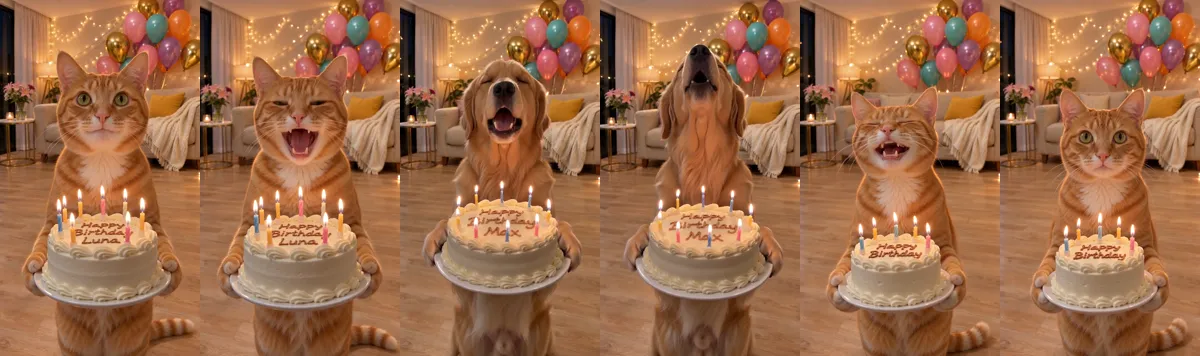
| 0:00–0:01 | Your pet stands in the party room facing the camera, the lit cake in its paws |
| 0:01–0:08 | It sings the first lines, mouth wide, swaying a little |
| 0:08–0:12 | The big line: head back, eyes shut, the longest note |
| 0:12–0:14 | The last line of the song |
| 0:14–0:15 | Mouth closed, a proud look straight into the camera |
Small moments can change from one render to the next, such as how far the head tips back and how the candles sit on the cake.
How to post it like the trend
- The caption: "happy birthday from the cat" or the birthday person's name.
- Tag it: #singingcat #happybirthday.
- Send it directly: 15 seconds and vertical, it plays straight away in WhatsApp, iMessage and Messenger.
- Label it as AI when you post.