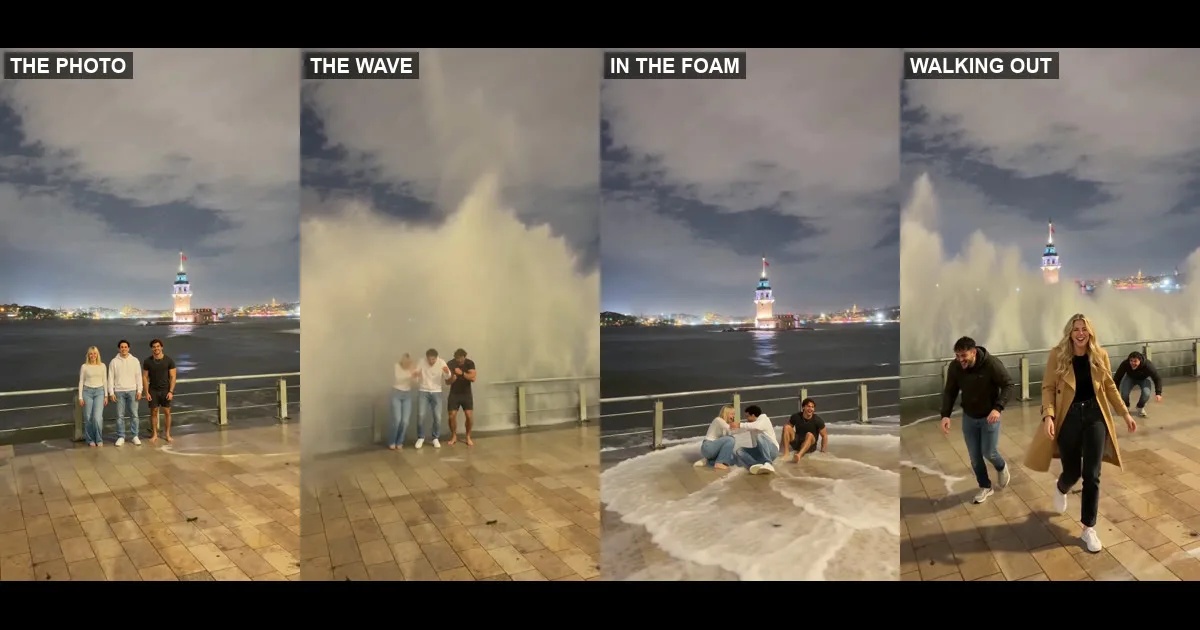
Open the Tidal Wave AI template on ClipRemake, add your photo (plus one or two friends if you like) and press Remake this. About five minutes later you download a 13-second vertical MP4 of the big wave trend: you and your friends smile for a photo at a stormy seafront railing at night, a huge wave bursts over the rail and knocks you into the foam, and you wade out soaked and laughing, right up to the camera. The storm sound is on it and there is no watermark. One video is 100 credits ($9.99) with one, two or three photos; there is no free version.
What is the Tidal Wave AI trend?
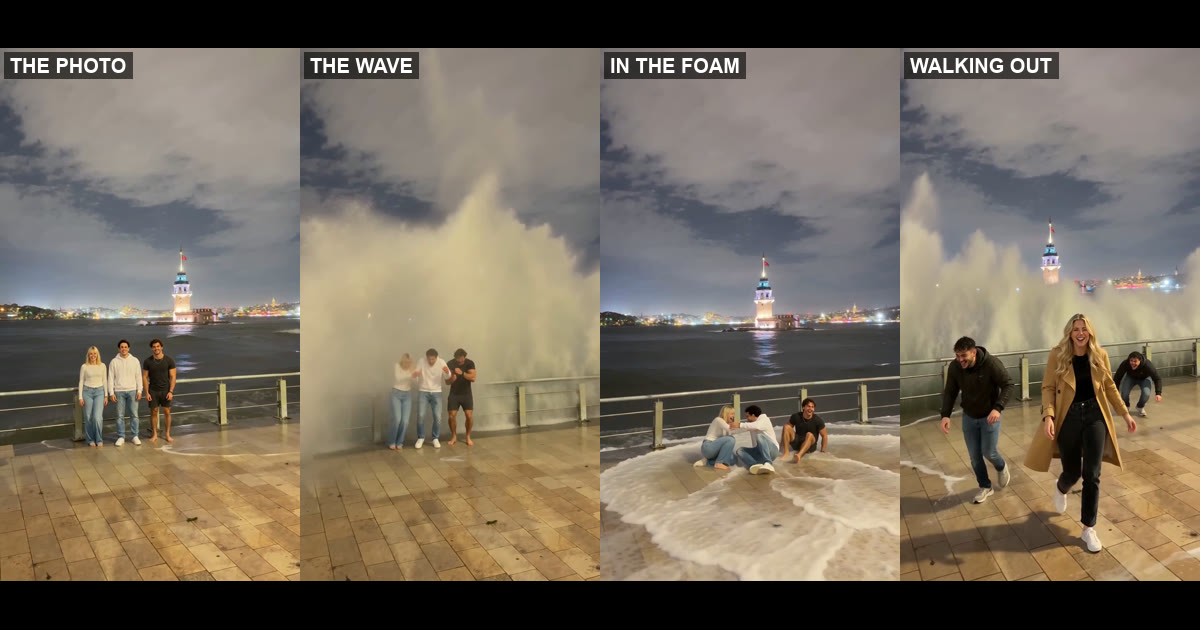
Tidal Wave AI, also called the big wave trend or the Istanbul wave trend, started with a reel posted on November 13, 2026. A storm was pushing waves over the Üsküdar seafront in Istanbul, across the water from the Maiden's Tower, and three friends lined up at the railing for a photo anyway. Just as the phone came up, a wave broke over the rail and swallowed them. When the spray cleared they were sitting in the foam, and then they stood up laughing and waded back toward the camera while a second wave crashed behind them.
The reel spread fast, Turkish news channels picked it up, and within a few days people wanted the same moment with their own friends in it. AI remakes started to appear and template sites added it as the tidal wave trend.
Who goes where?
| Photo | Spot | What they do |
|---|---|---|
| Photo 1 (required) | In the middle | Poses, goes down in the foam, then walks right up to the camera |
| Photo 2 (optional) | On the left | Poses, falls, gets up and wades out beside photo 1 |
| Photo 3 (optional) | On the right | Poses, falls and stays down by the railing |
Any spot you leave empty gets a friend made up by the AI, so the video always has three people. The price is the same with one, two or three photos.
How to make the Tidal Wave AI video, step by step
Step 1: Add the photos
Go to the Tidal Wave AI page and tap box 1.
- Head to toe if you can. Everyone is seen full length at the railing and walking out of the water, so a full-body photo keeps your shoes, trousers and jacket.
- Face clear. One adult per photo, looking at the camera, no sunglasses or heavy filters. You stay recognisable even soaked.
- The star goes in box 1. Photo 1 is the one in the middle who walks up to the lens at the end, so put the person who will post it there.
Step 2: Press Remake this
Press Remake this. If you are not signed in, you sign in with Google first; without credits, you get the Starter pack (100 credits, $9.99), paid by card, Apple Pay or Google Pay. If a render fails, the credits come back on their own.
Step 3: Download and post
About five minutes later the video waits in My videos. Download the MP4 (720p, 9:16, no watermark), add your caption and turn on the AI-generated label when you post.
What your video looks like
The seafront, the tower, the waves and the timing stay the same in every video. Only the people change:
| Time | What happens |
|---|---|
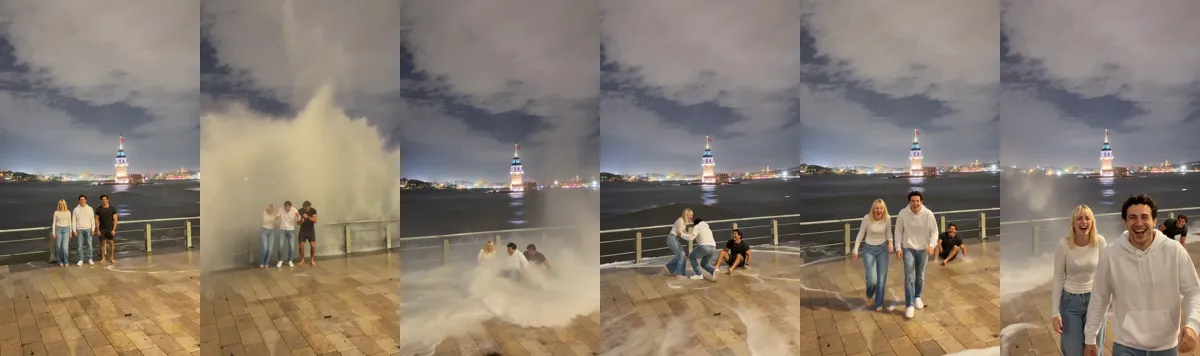
| 0:00–0:01 | The three of you smile for a photo at the railing, the lit tower behind you |
| 0:01–0:03 | A huge wave rises and bursts over the rail; white spray fills the frame |
| 0:03–0:05 | The spray clears and you are all sitting in the foam, soaked |
| 0:05–0:08 | Photos 1 and 2 get up and wade toward the camera, laughing |
| 0:08–0:10 | A second wave crashes behind them; photo 1 walks right up to the lens |
| 0:10–0:13 | The flooded, empty promenade with the tower glowing across the water |
Small moments can change from one render to the next.
About the sound
The video comes with the sound of the storm: wind, the deep crash of the waves, splashing water and the three of you laughing. There is no music on it, so you can add any song from TikTok's or Instagram's sound library when you post, the way most remakes do.
How to post it like the trend
- The caption: "We just wanted one picture" or "The photo was worth it" fit the joke.
- Tag the friend who always says "one more picture".
- Travel version: post it after a trip with "Istanbul was great, the photos not so much".
- Label it as AI. Nobody should think you really got washed off a seafront.