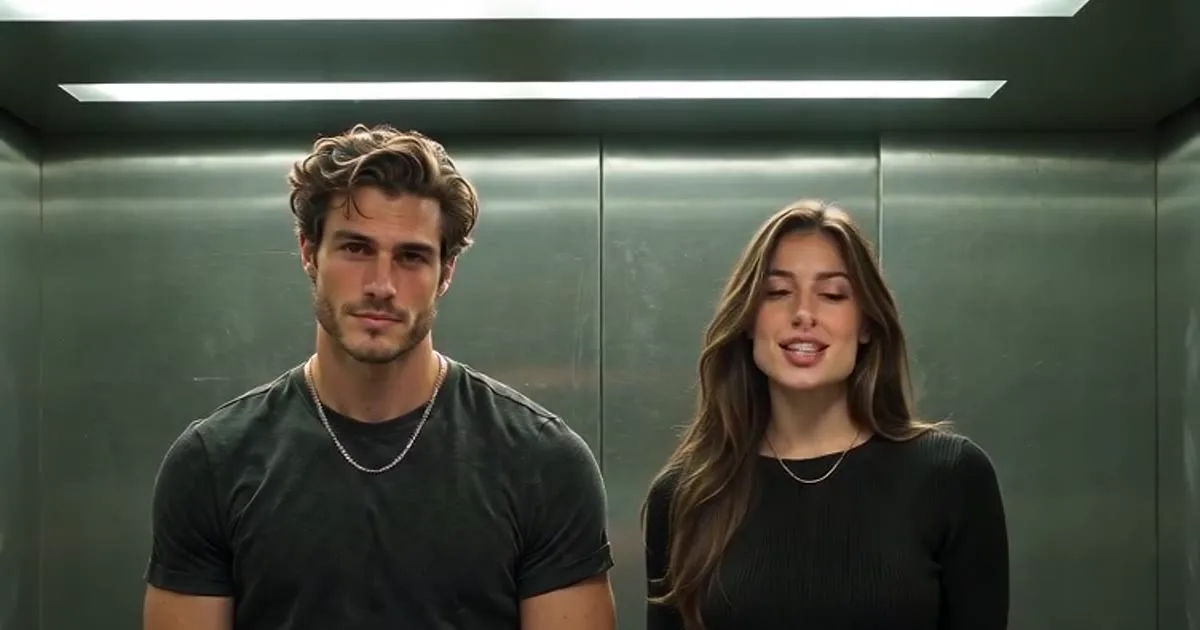
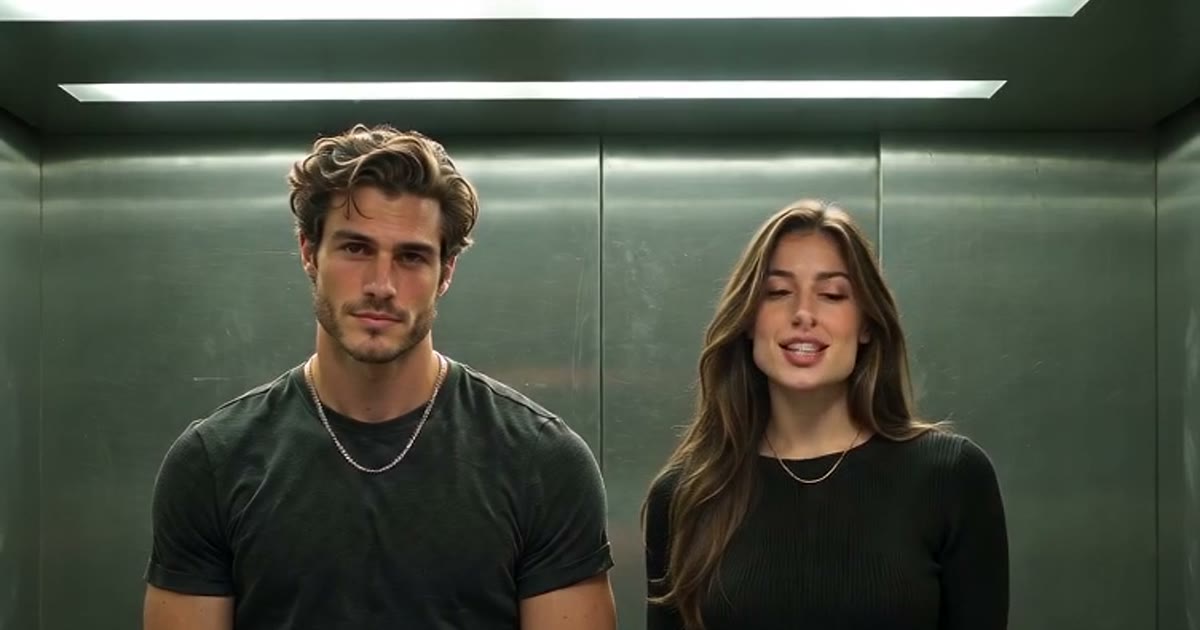
Open the 365 Elevator AI template on ClipRemake, add two photos (you first, then the friend who walks in) and press Remake this. About five minutes later you download a 14-second MP4 of the Sampagne lift edit with your two faces: you wait in a brushed-steel lift mouthing the song, your friend walks in with a phone, turns round, runs a hand through their hair and stands beside you, and you both stare straight down the camera. It is one continuous take in 4:3, like the original edits, with "365" on it (or nothing, if you pick No song) and no watermark. One video is 100 credits ($9.99) for both of you; there is no free version.
What is the 365 elevator trend?
"365" is a song the German artist Sampagne released on October 22, 2026. From November 19 a German TikTok edit account posted AI videos set to it: two famous people in the same brushed-steel lift, one already waiting, the other walking in with a phone, both ending side by side and staring into the camera. The edits passed a million plays within days, a CapCut template appeared on November 21, and comments filled up with people asking how to do it with their own friend.
People search it as the 365 elevator trend, the Sampagne 365 elevator edit and the elevator 365 template. The joke works with any two people who can keep a straight face.
What you choose
| Choice | What it does |
|---|---|
| Photo 1 | You: already in the lift on the right, mouthing the song |
| Photo 2 | Your friend: walks in, turns round and stands on your left |
| The sound | Trend sound keeps "365" from the edits; No song gives a silent clip |
How to make the 365 elevator AI video, step by step
Step 1: Add your photo
Go to the 365 Elevator AI page and add photo 1, the one who waits in the lift.
- Face to the camera. One adult, the face sharp and toward the lens, head and shoulders in view.
- Good light. Daylight or a bright room, no sunglasses.
- Your own clothes come with you. What you wear in the photo is what you wear in the lift.
Step 2: Add your friend's photo
Photo 2 is the one who walks in. Same rules: one adult who agreed to be in it, face to the camera. Swap the two photos if you would rather be the one walking in.
Step 3: Choose the sound and press Remake this
Trend sound puts the 14 seconds of "365" from the edits under your video; No song gives a silent clip. If you are not signed in, you sign in with Google first. Without credits, you get the Starter pack (100 credits, $9.99), paid by card, Apple Pay or Google Pay. If a render fails, the credits come back on their own.
Step 4: Download and post
About five minutes later the video waits in My videos. Download the MP4 (720p, 4:3, no watermark) and post it with the AI-generated label turned on.
What your video looks like

| Time | What happens |
|---|---|
| 0:00–0:01 | You alone in the lift, a hand on your chest, mouthing the song |
| 0:01–0:03 | Your friend walks in with their back to the camera and turns round |
| 0:03–0:05 | They run a hand through their hair and check their phone |
| 0:05–0:07 | You rub an eyebrow, cool and unbothered |
| 0:07–0:14 | Side by side, both staring down the camera to the song |
Small details change from one render to the next, such as which hand goes to the hair and how big the gestures are.
How to post it like the trend
- The caption: your two names, or "us when the lift doors open".
- Tag it: #365 #elevator.
- Keep it 4:3. The original edits are 4:3; TikTok and Reels add bars above and below.
- Label it as AI when you post.