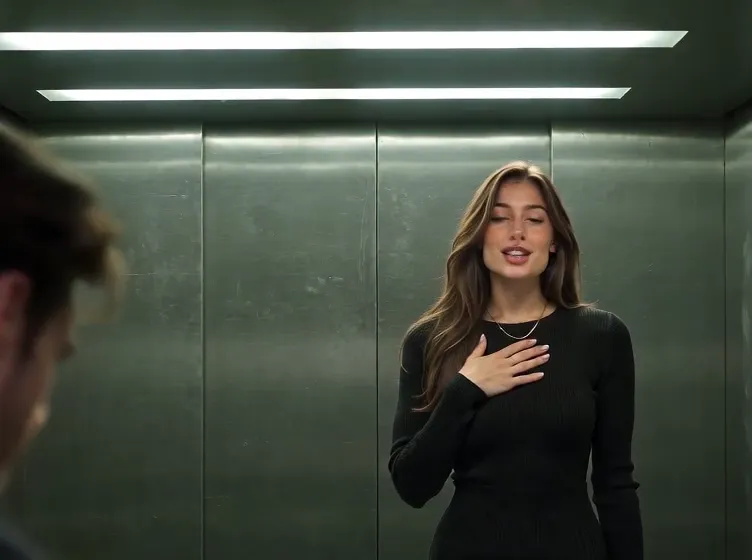
Waiting in the lift
The clip opens on you alone in the brushed-steel lift under two light tubes, facing the camera, a hand on your chest, mouthing the first lines of the song.


Your photos2 needed
Photo 1 is you: you already wait in the lift on the right and mouth the song. Photo 2 is your friend, who walks in, turns round and stands beside you. Both photos are needed. One adult per photo, face to the camera, no sunglasses or heavy filters.
Soundtrack
Keeps the clip's own audio under your video.
What you getFixed
Sign in with Google at the next step.
Failed renders are refunded automatically. Photos are deleted after 30 days.
365 Elevator AI turns two photos into the Sampagne lift edit everyone is posting: you wait in a brushed-steel lift mouthing the song, your friend walks in with their phone, turns round, fixes their hair and stands beside you, and the two of you stare straight down the camera. It is one continuous take, every move of the original edit, with your two faces and your own clothes. The video is 14 seconds, 4:3 like the original edits, with the song and no watermark, ready in about five minutes. One video costs $9.99 for both of you, and a render that fails gives the credits back.
How-to
You are already in the lift on the right. One adult, face to the camera, head and shoulders in view.
They walk in, turn round and stand on your left. Both photos are needed.
Trend sound keeps "365"; No song gives a silent clip. Sign in with Google and pay for one video (100 credits, $9.99).
About five minutes later the 14-second MP4 is in My videos, clean and ready to post with #365.
How to Make the 365 Elevator AI Video With a Friend (Sampagne Edit): the full guide
In the video
The clip opens on you alone in the brushed-steel lift under two light tubes, facing the camera, a hand on your chest, mouthing the first lines of the song.
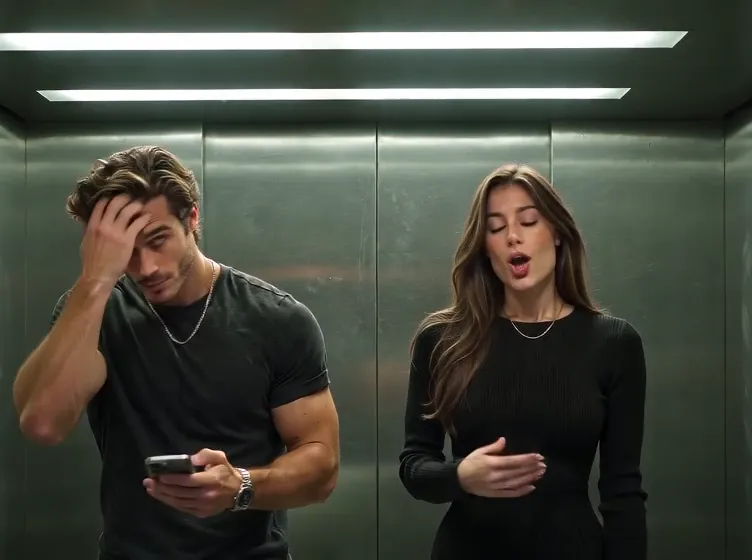
Your friend walks in from the bottom of the frame with their back to the camera, turns round, runs a hand through their hair and checks their phone, as if they had not noticed you.
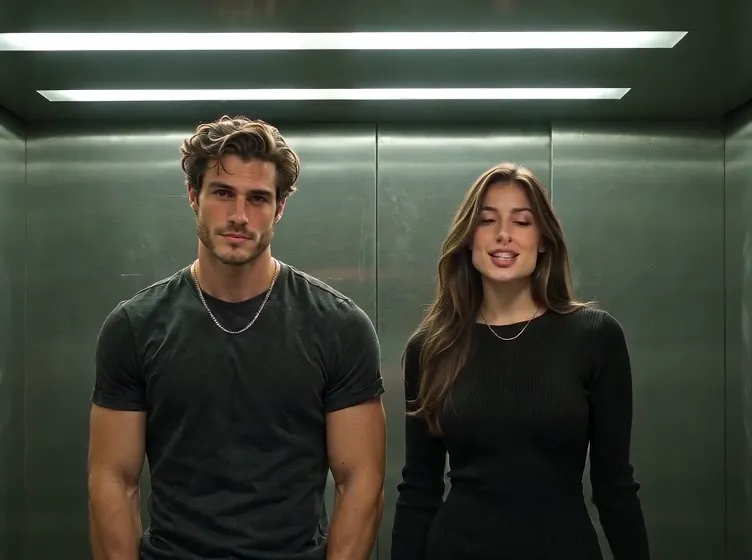
Then the two of you stand side by side and stare down the camera: you keep mouthing the song, your friend keeps a straight face. That is the frame the edits are known for.
Examples
Ideas
The duo edit with the two of you instead of a famous pair.
Your partner walks in and pretends not to see you. Post it on your anniversary.
Any two people who would stare down a camera together.
14 seconds with the song: it plays on Instagram Reels and YouTube Shorts as well as TikTok.
FAQ
A run of TikTok AI edits from November 2026 set to Sampagne's song "365": two people in a brushed-steel lift, one waiting, one walking in, both ending side by side staring into the camera. The first edits used famous duos; this maker uses your two photos.
One adult per photo, the face sharp and toward the camera, head and shoulders in view, in good light, no sunglasses. Your clothes come from your photos.
Yes. Photo 1 always waits on the right and photo 2 always walks in, so put the photos in the order you want.
A 14-second MP4 in 4:3, 720p, with the song from the edits (or silent with No song) and no watermark. It is ready in about five minutes in My videos.
No. Every video is a real render, so there is no free version or watermarked preview. One video is 100 credits ($9.99), and a failed render gives the credits back automatically.
No. The lift and every move are made new by AI around your two photos; nobody from the original edits appears. ClipRemake is not affiliated with TikTok, CapCut or Sampagne.
Two photos, one brushed-steel lift and fourteen seconds of "365". Your clip is ready in about five minutes.
Make yoursUp next