One face per photo
One adult per photo, face to the camera, no sunglasses or heavy filters. A photo down to the waist or the knees helps the AI get your outfit.
Add your photo, plus one or two friends if you like. The three of you march toward the camera on a green hill above a foggy lake, clutch your heads, then you get the close-up with both thumbs pointed at yourself before everyone lines up, shrugs and skips down the slope. 15 seconds, with the trend sound.
ClipRemake puts you and up to two friends into the hillside Wassup in a Minute clip: the three of you walk up a green hill above a misty lake and clutch your heads, photo 1 gets the close-up with both thumbs pointed at the chest, then you line up, shrug and skip down the slope. 15 seconds, 4:3, with the trend sound, no watermark. Only photo 1 is required: empty spots get friends made up by the AI. Sign in with Google, add your photos and press Remake this. A video costs $9.99. There is no free generation.
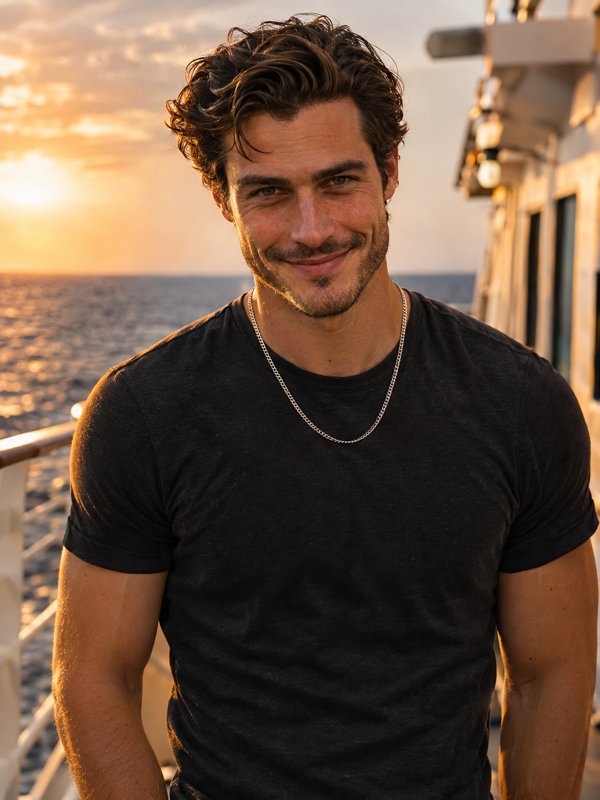
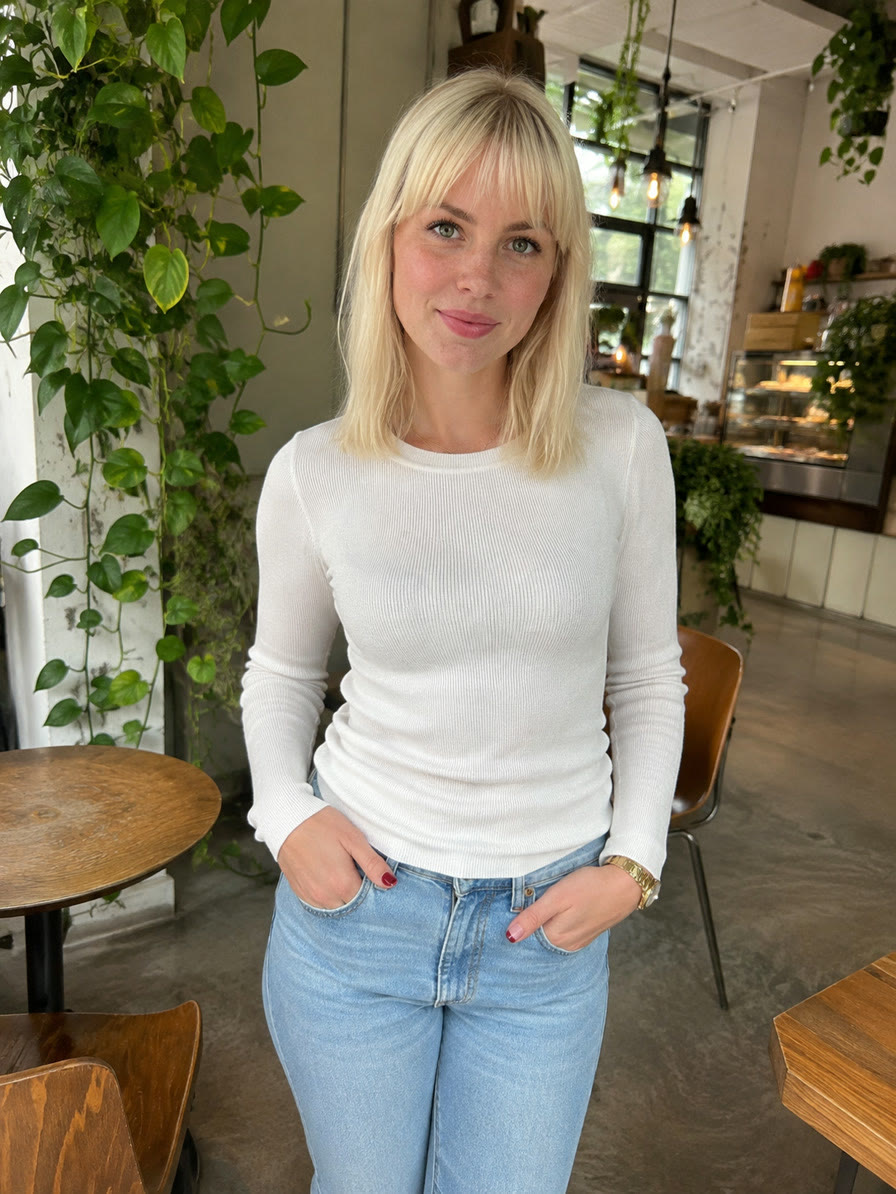
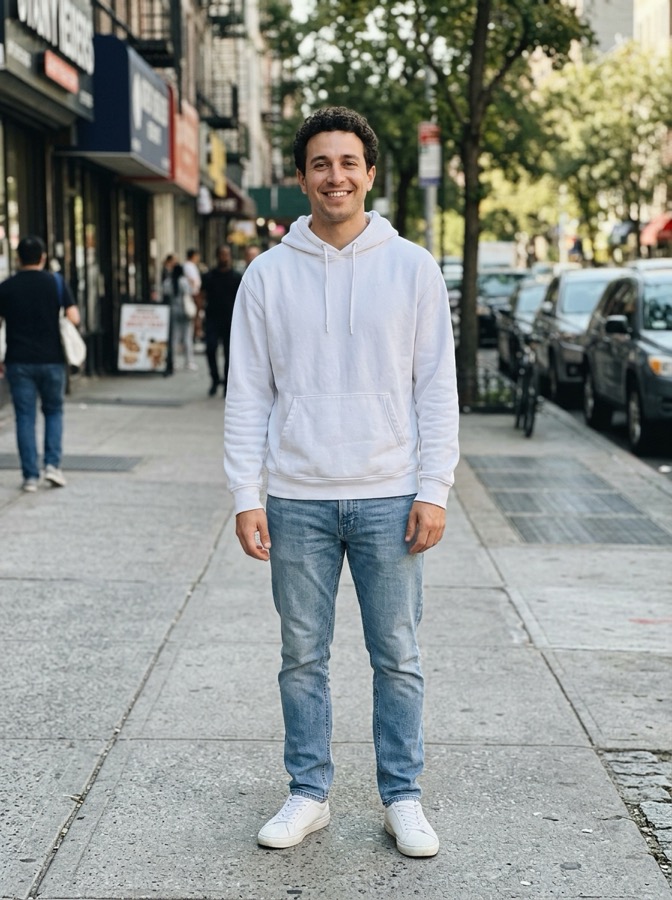
Your photos1 needed
Only photo 1 is needed. That person is the star: in the middle of the walk-in, alone in the big close-up with the thumbs, and in the middle of the row. Photos 2 and 3 put friends on the left and the right; leave them empty and the AI makes up two friends at no extra cost. One adult per photo, face to the camera, no sunglasses or heavy filters. Everyone keeps the clothes from their own photo.
Soundtrack
Keeps the clip's own audio under your video.
What you getFixed
Sign in with Google at the next step.
Failed renders are refunded automatically. Photos are deleted after 30 days.
What changes
More examples

The trend
Wassup in a Minute is a TikTok trend named after the first line of a sped-up jersey club flip of "From Time", Drake and Jhené Aiko's 2013 song; people hear it as "wassup in a minute" or "wassup, been a minute". It started in late October 2026 with anime edits of characters swaying one after another. On November 12 a CapCut template took it outdoors: three men in button-down shirts stride up a grassy hill above a misty lake, hold their heads, one mugs for the camera with his thumbs, and they all skip down the slope. The men are actors from the sitcom Modern Family, so some people call it the Modern Family wassup.
This maker re-films that hillside clip with you and your friends instead: the same four shots, places and timing, rebuilt from scratch by AI, so no actor and no frame of the original is in your video. Photo 1 is the one in the middle who gets the close-up; photos 2 and 3 are the friends on the left and the right, and an empty spot gets a friend made up by the AI. The trend sound goes under it unless you pick No song. ClipRemake is not affiliated with CapCut, the show, the artists or the creators who posted the trend.
The joke is three grown-ups acting completely unbothered on a gloomy hillside while the remix asks "wassup". It works with your roommates, your siblings, your work friends or your group chat, and it is just as funny solo with two made-up sidekicks.
Timeline
Producer zbee shares a jersey club flip of "From Time" by Drake and Jhené Aiko; its first line later gives the trend its name.
Anime edits of characters swaying one after another to the remix go viral on TikTok.
A CapCut template moves it to a misty hillside with three men from the sitcom Modern Family and passes 700,000 likes in two days.
ClipRemake adds this maker for the hillside version.
Photo tips
One adult per photo, face to the camera, no sunglasses or heavy filters. A photo down to the waist or the knees helps the AI get your outfit.
Photo 1 walks in the middle and gets the big close-up; photos 2 and 3 stay on the left and the right in every shot.
On a grey hill a bright hoodie, a puffer or a patterned shirt stands out; everyone keeps the clothes from their own photo.
How-to
Box 1 is you, in the middle and in the close-up. Boxes 2 and 3 are friends on the left and the right; leave them empty and the AI fills those spots.
Trend sound keeps the remix under your video; No song gives a silent clip to post with a sound from TikTok's library.
Press Remake this. About five minutes later the 15-second MP4 is in My videos, with no watermark; label it as AI-generated when you post.
How to Make the Wassup in a Minute AI Video (Hillside Version): the step-by-step guide with pictures
Before you pay
It is not free: every video is a real render, so there is no free tier. A video uses 100 credits, $9.99 on its own. You download a clean MP4 with no watermark.
ClipRemake is an unofficial tool, not affiliated with CapCut, the show, the artists or the creators of the trend. Your video is a new AI video made from your photos; nobody from the original clip is in it.
You can watch the examples on this page without signing in. Google sign-in only comes when you make your own.
Refunds: a failed render's credits come back automatically, and an unused credit pack bought by mistake can be refunded within 14 days of purchase.
FAQ
No. Photo 1 is the only one required. Add one or two friends to fill the side spots; any spot you leave empty gets a friend made up by the AI. The price is the same with one, two or three photos.
Photo 1. That person walks in the middle, gets the close-up with the thumbs pointed at the chest, and stays in the middle of the row. Photo 2 is always on the left and photo 3 on the right.
No. The AI rebuilds the scene with the people in your photos, so nobody from the original clip appears, and photos of celebrities are not allowed.
It is 4:3, the same frame as the hillside clip. On a phone it sits in the middle of the screen with dark strips top and bottom, just like the posts it copies.
One video is 100 credits ($9.99), whatever the number of photos. There is no free version, and if a render fails the credits come back automatically.
Add your photo, plus one or two friends if you like, and press Remake this. Sign in with Google and pay for one video; about five minutes later the 15-second clip is in My videos.
No. Every video is a real render that costs money to make, so there is no free version or watermarked preview. One video costs $9.99 (100 credits), and if a render fails the credits come back automatically.
No. It runs in the browser on a phone or a computer: one to three photos in, the finished MP4 out.
No. You download a clean MP4 to post on TikTok, Reels or Shorts. Label it as AI-generated when the app asks.
Yes, with Trend sound on: the remix from the hillside clip goes under your video. Pick No song to get a silent clip and add the sound inside TikTok.
Who it's for
Send it to friends you have not seen in a while; the lyric is literally "been a minute".
Three of you, three spots: whoever loses the bet takes the close-up.
Only your photo, and the AI brings two backup friends for the walk.
Up next
Something blew up today?
We add new trends as they take off. Ask for the one you want to remake.