A clear, front face
One person per photo, face to the camera, no sunglasses or heavy filters; your face is close to the lens the whole time.
One photo and the viral bicep heart is yours: you smile at the camera, push up a sleeve, flex one arm and curl the other hand against the bicep until the two make a heart, then hold it. 7 seconds, with the reel's sound. No gym needed.
Short answer: ClipRemake turns one photo into the viral Bicep Heart reel: you smile at the camera, push up a sleeve, flex one arm and curl the other hand against the bicep into a heart, 7 seconds in 9:16 with the reel's own sound. Sign in with Google, add your photo and press Remake this. A video costs $9.99. There is no free generation.
Your photo1 needed
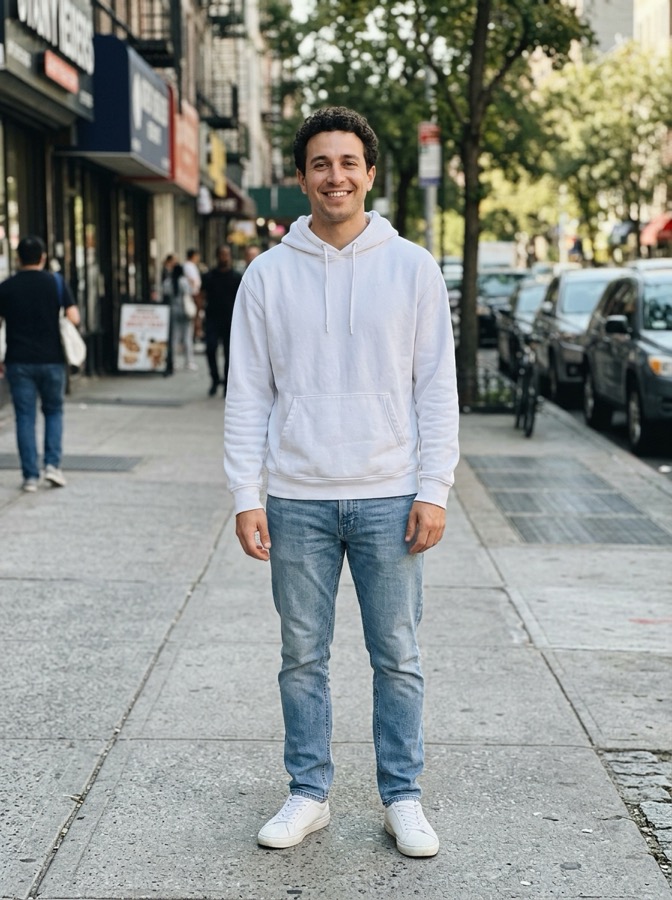
One adult, face clearly visible: no sunglasses or heavy filters. Waist up with both arms in view works best; long sleeves get pushed up for the flex.
Soundtrack
Keeps the clip's own audio under your video.
What you getFixed
Sign in with Google at the next step.
Failed renders are refunded automatically. Photos are deleted after 30 days.
What changes
More examples
The trend
The bicep heart trend is a short selfie clip: you smile at the camera, flex one arm and curl the other hand against the bicep so the two make a heart, then hold it. It started as a gym joke on X, the #bicepheart hashtag reached TikTok on October 26, 2026, and three takes posted on October 30 and 31 by @hunnybakes, @mckennacrisp and @kavithageorge passed 11 million views together within a week. People send it with captions like "send bicep hearts".
This maker re-films the 7 seconds of @kavithageorge's reel with your photo: you push up a sleeve, flex, make the heart and hold it, with your own face, hair and top. The reel's own sound goes back under your video. ClipRemake is not affiliated with the creator; your video is a new AI video, not the original clip.
The joke is the soft little love note from a gym move: a big flex turned into a heart. People send it to a partner, reply to a friend who asked for "bicep hearts", or post it after leg day.
Timeline
The bicep heart starts as a gym joke on X; the #bicepheart hashtag reaches TikTok on October 26.
@hunnybakes, @mckennacrisp and @kavithageorge post takes that pass 11 million views together within a week; @kavithageorge's is the one this maker copies.
ClipRemake adds this maker: the 7-second reel re-filmed with your photo.
Photo tips
One person per photo, face to the camera, no sunglasses or heavy filters; your face is close to the lens the whole time.
A waist-up photo shows the top you will flex in; a long sleeve gets pushed up for the flex.
Photos in daylight or soft indoor light blend best with the warm evening light of the room.
How-to
One clear photo of you, face to the camera; waist up with your arms in view works best.
Trend sound keeps the reel's own audio under your video; No song gives a silent clip to post with the sound from TikTok's library.
Press Remake this. About five minutes later the 7-second vertical MP4 is in My videos, with no watermark; label it as AI-generated when you post.
How to Make the Bicep Heart AI Video (From One Photo, No Gym): the step-by-step guide with pictures
Before you pay
It is not free: every video is a real render, so there is no free tier. A video uses 10 credits, $9.99 on its own. You download a clean MP4 with no watermark.
ClipRemake is an unofficial tool, not affiliated with the creator. Your video is a new AI video of the same pose with you.
You can watch the examples on this page without signing in. Google sign-in only comes when you make your own.
Refunds: a failed render's credits come back automatically, and an unused credit pack bought by mistake can be refunded within 14 days of purchase.
FAQ
No. Your video gets a clearly flexed bicep whatever your arms are like in the photo; your face, hair and top stay yours.
The flexed arm is always bare, as in the original reel: a shirt sleeve gets rolled up, and a thick hoodie may end up sleeveless. A T-shirt or a tank top looks most like your photo.
With Trend sound on, your video carries the 7 seconds of audio from the original reel. Turn it off for a silent clip and add the sound inside TikTok or Reels; some platforms mute reused audio, so that is the safer way to post.
One video is 10 credits ($9.99). There is no free version, and if a render fails the credits come back automatically.
No. Only photos of adults who agreed to be in the video.
Add your photo on this page and press Remake this. Sign in with Google and pay for one video; about five minutes later the 7-second clip is in My videos.
No. Every video is a real render that costs money to make, so there is no free version or watermarked preview. One video costs $9.99 (10 credits), and if a render fails the credits come back automatically.
About five minutes, sometimes a little longer when the queue is busy. You can close the tab; the video waits in My videos.
No. You download a clean MP4 to post on TikTok, Reels or Shorts. Label it as AI-generated when the app asks.
There is no named song: most bicep heart posts use a TikTok original sound. With Trend sound on, the original reel's own 7 seconds of audio go under your video.
Who it's for
Send it to your partner instead of a heart emoji.
Answer the friend who asked, with your own face.
Post it with the bicep heart sound, flexed or not.
Up next
Something blew up today?
We add new trends as they take off. Ask for the one you want to remake.