Dress for the video
Whatever you wear in your photo is what you wear in every shot. A full-length photo shows the shoes too; a chest-up one gets plain trousers and sneakers added.
Add a photo of yourself and, if you want, two friends. You come up on the lift in a metal corridor, a friend hushes the camera, you sing straight down the lens, and the three of you hit the routine in a gleaming white room while the camera looks down from the roof. Everyone stays in what they wore in their photo. 15 seconds in the 4:3 frame of the TikTok posts, with the sound.
Short answer: ClipRemake puts you, and up to two friends, into the No Scrubs AI music video: the lift carries you up a metal corridor, a friend presses a finger to her lips at the camera, you belt a line in close-up, then all three of you dance through the white space-station room until the camera looks down from the ceiling. Fifteen seconds in the posts' 4:3 frame, everyone in their own outfit, with the sound. One photo works too: the AI casts the other two. Sign in with Google, add your photos and press Remake this. A video costs $9.99. There is no free generation.
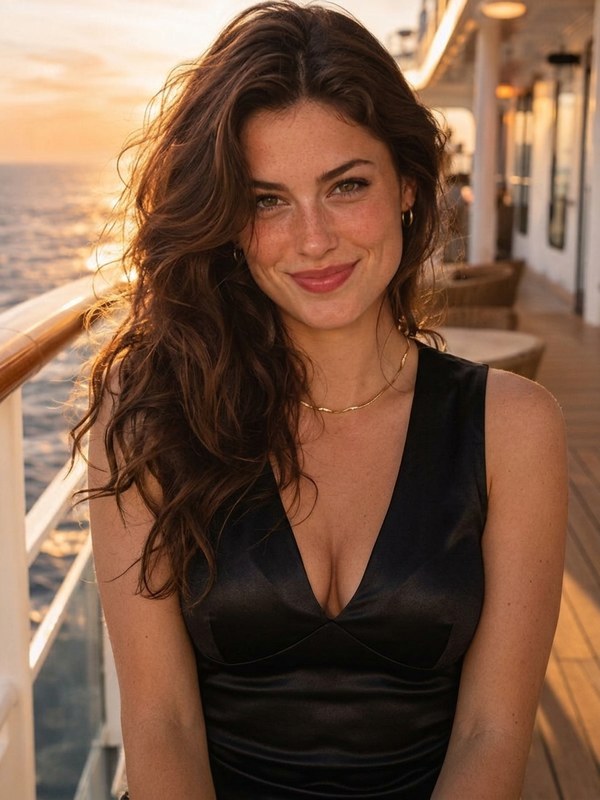
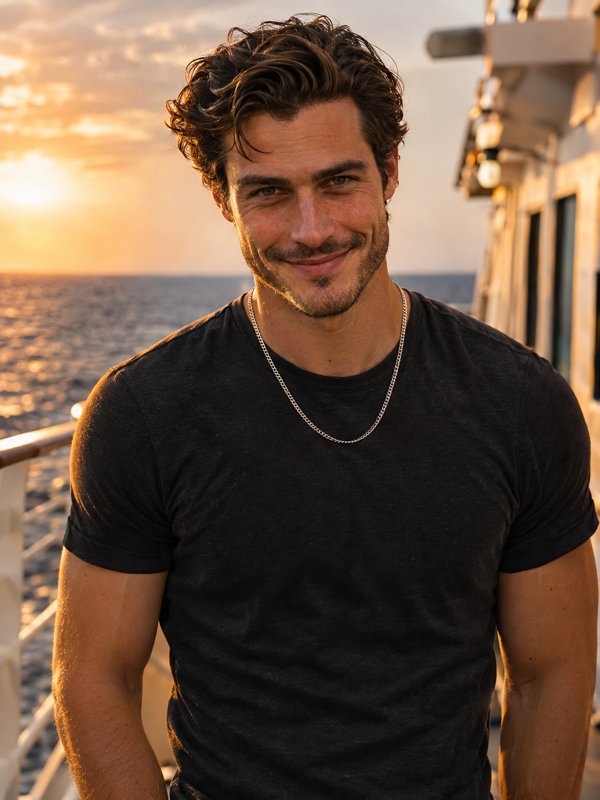
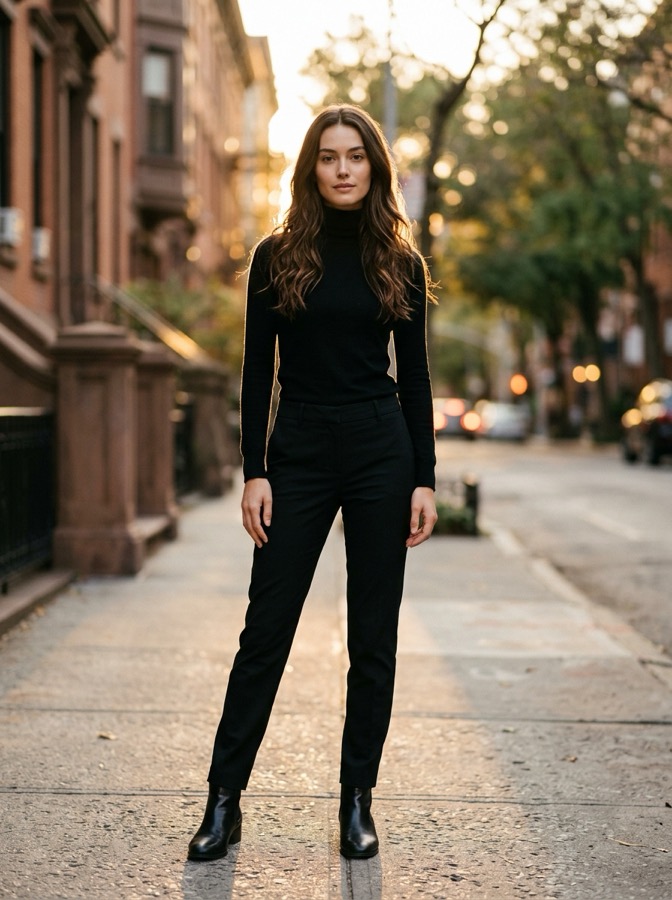
Your photos1 needed
Only photo 1 is needed. That person is the star of the clip: the lift ride, the singing close-up and the overhead shot. Photos 2 and 3 put friends on the left and right; leave them empty and two AI dancers step in at no extra cost. One adult per photo with the face clear, no sunglasses. The video keeps the outfit each photo shows, so choose the clothes you want to be seen in.
Soundtrack
Keeps the clip's own audio under your video.
What you getFixed
Sign in with Google at the next step.
Failed renders are refunded automatically. Photos are deleted after 30 days.
What changes
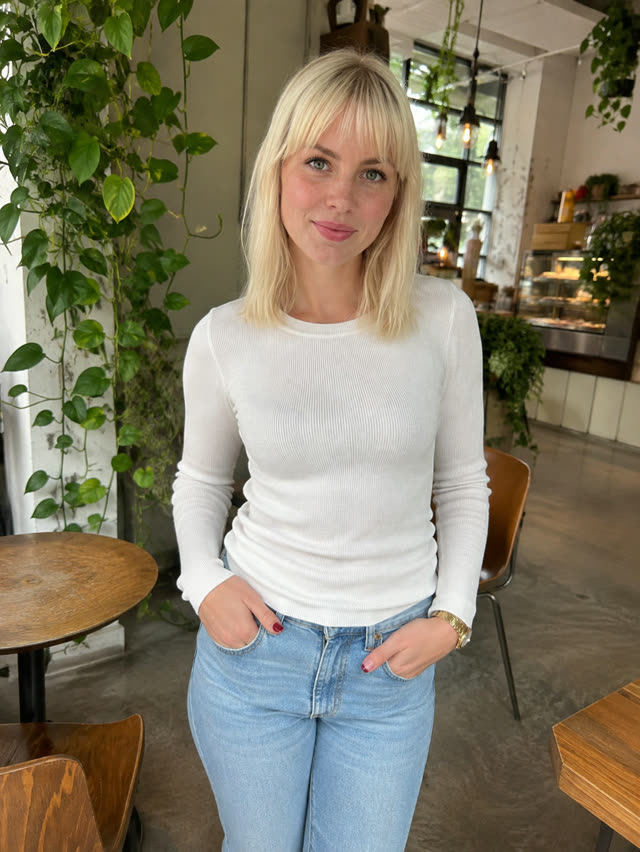
More examples
The trend
TLC released "No Scrubs" in 1999, and its video, with the group dancing through a gleaming space-station set, became one of the most copied looks of that era. The AI trend started on TikTok on October 16, 2026, when @warped.ai posted a 15-second version with three guys in hoodies and sneakers in the group's spots. Friend groups, streamers and video-game characters got the same treatment within days, always on the identical sequence of shots. People look it up as No Scrubs AI, the TLC AI video or the No Scrubs trend.
ClipRemake rebuilds that sequence around your photos and keeps the 4:3 frame. Whoever is in photo 1 stands in the center and gets the three big moments: the lift ride, the singing close-up and the shot from above. Photo 2 takes the left spot, with the hush at the lens and a low kick toward the camera; photo 3 takes the right. Nobody changes into a costume, because the fun of the trend is regular people landing in that video as they are. Any spot left open goes to an AI dancer. ClipRemake has no connection to TLC, their label or @warped.ai, and the result is AI-made from scratch, with none of the original footage in it.
The appeal is the contrast: a glossy late-90s music video with ten quick cuts, and three ordinary people in hoodies and jeans hitting every move. Best friends, siblings, roommates and bridal parties all make it, and it lands just as well with a straight face.
Timeline
TLC releases "No Scrubs"; the song tops the US chart and its space-station video is copied for years.
TikTok creator @warped.ai shares an AI cut of the video with three men in the group's spots, dressed in their own streetwear.
Video-game and streamer versions spread, and step-by-step tutorials show up.
ClipRemake adds the template: the same 15-second sequence from your photos, kept in 4:3.
Photo tips
Whatever you wear in your photo is what you wear in every shot. A full-length photo shows the shoes too; a chest-up one gets plain trousers and sneakers added.
One adult in each photo, facing the lens in even light, no sunglasses. Photos 1 and 2 get close-ups, so make those the sharpest.
Three people with different hair and outfits are easier to tell apart in the fast cuts.
How-to
Photo 1 goes in the center: one adult, face to the camera, wearing what they want to be seen in. The lead gets the lift, the close-up and the overhead shot.
Photo 2 takes the left side, including the hush at the lens; photo 3 takes the right. Leave either box empty and an AI dancer fills it, at the same price.
Trend sound lays the post's 15 seconds of audio under your clip; No song leaves it silent so you can add the track inside TikTok.
Press Remake this. Around five minutes on, your 15-second 4:3 MP4 waits in My videos without a watermark. Tag it as AI-generated when you post.
How to Make the No Scrubs AI Video (1 to 3 Photos): the step-by-step guide with pictures
Before you pay
It is not free: every video is a real render, so there is no free tier. A video uses 10 credits, $9.99 on its own. You download a clean MP4 with no watermark.
ClipRemake is an unofficial tool with no link to TLC, their record label or the TikTok creators behind the trend. What you get is a new AI video of the routine with you in it.
Every example on this page plays without signing in; you only sign in with Google to make your own.
If a render fails, its credits return to your balance automatically, and an unused credit pack bought by mistake can be refunded within 14 days.
FAQ
No. One photo is enough: you take the center and the AI invents the two dancers beside you. Add friends only if you want them in it.
Not in this template. The model does not duplicate one face across three people; it creates two new dancers instead, so a single photo means you plus two AI dancers.
Yes. The first viral post was three guys in hoodies. Anyone over 18 can fill any spot, and each keeps their own face, hair, beard and outfit.
The TikTok posts are 4:3, so your clip is too. On a phone it plays with bars above and below, the same as the posts.
One video is 10 credits ($9.99) no matter how many photos you add. There is no free version, and if a render fails the credits come back by themselves.
Put your photo in box 1, add friends in boxes 2 and 3 if you like, and press Remake this. After Google sign-in you pay for one video, and around five minutes later the 15-second clip lands in My videos.
No. Every clip is a real render with a real cost, so there is no free tier or watermarked preview. One video costs $9.99 (10 credits) however many photos you add, and if a render fails you get the credits back automatically.
If you keep Trend sound on, the clip carries the post's 15 seconds of audio. Some apps mute reused music, so you can switch to No song and pick the track from TikTok's or Instagram's sound library instead.
No. Each person appears in the outfit from their own photo in every shot. That is the point of the trend: regular people in that video, just as they are.
No. You get a clean MP4. Turn on the AI-generated label when you post.
Who it's for
Three photos, one clip, posted on all three accounts.
Put the guest of honor in the center and two friends at the sides.
Just your photo: you front the group and the AI supplies two dancers.
Up next
Something blew up today?
We add new trends as they take off. Ask for the one you want to remake.